Setup wizard and dashboard
The first time you open SpaceBay after activating the plugin, a short wizard helps you set up the community in five steps:
- Basics: community name, address and who can view it. If WordPress registration is off, the wizard reminds you to turn on Anyone can register in Settings → General.
- Look: logo, brand colour, colour mode and layout.
- Spaces: create starter spaces: Announcements (only admins post), General and Introductions. You become admin of each one. Spaces that already exist with the same name are skipped.
- Moderation: member approval, review of new posts and blocked words.
- Done: open your community.
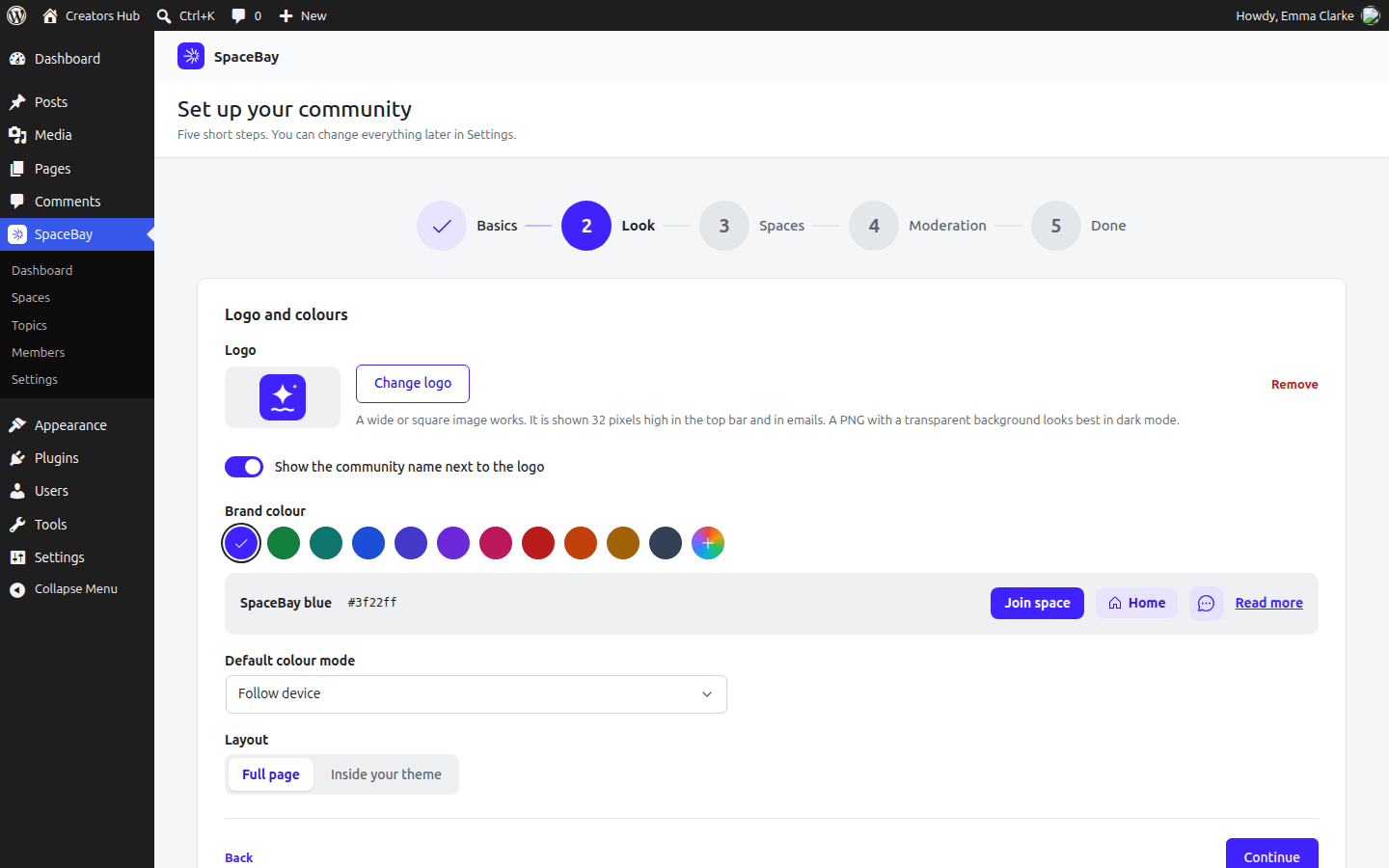
Step 2 of the setup wizard.
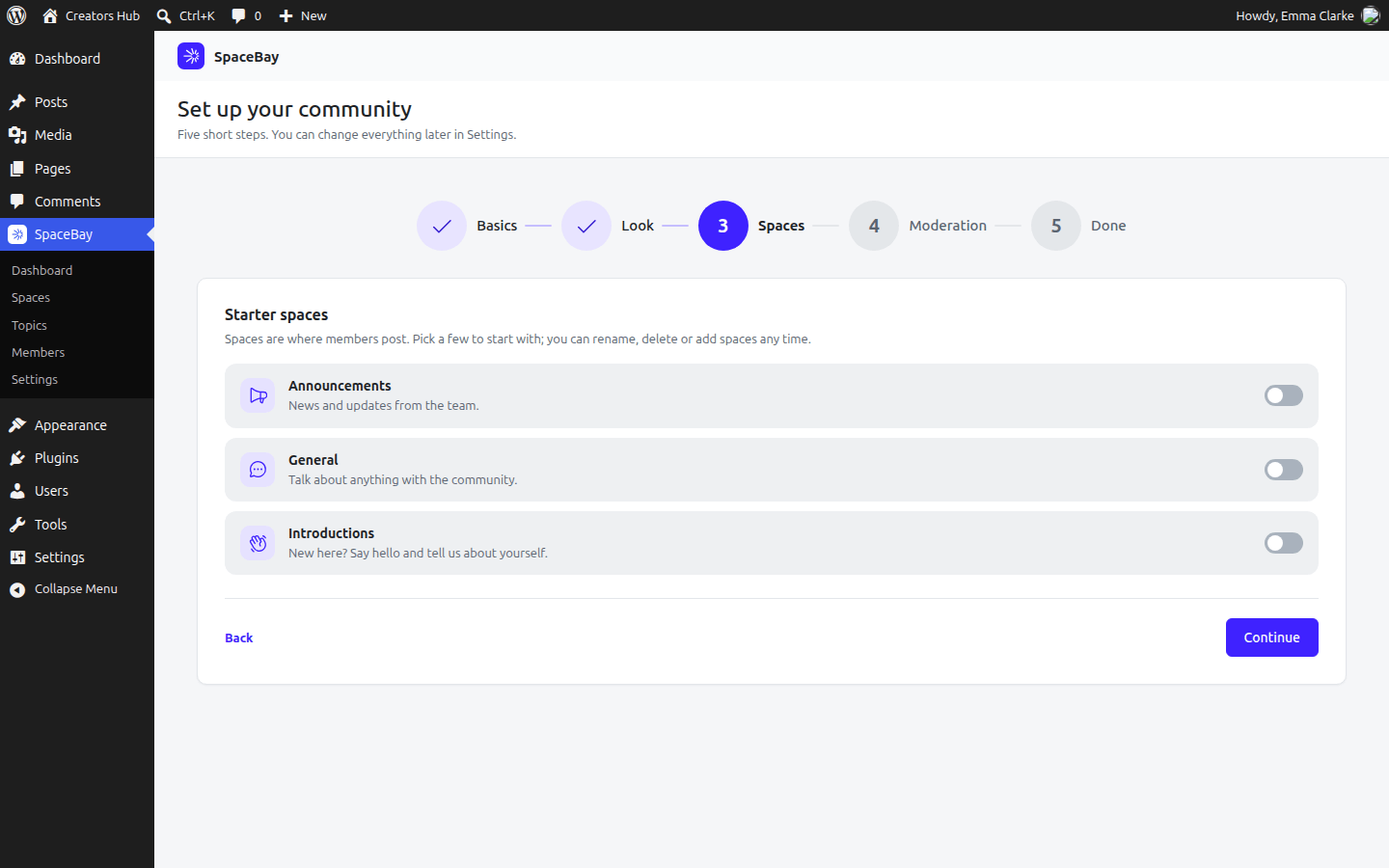
Step 3: starter spaces.
Select Skip setup to go straight to the dashboard. You can run the wizard again from the dashboard at any time.
The SpaceBay admin menu
Section titled “The SpaceBay admin menu”The SpaceBay menu in the WordPress admin has five pages: Dashboard, Spaces, Topics, Members and Settings. The dashboard shows totals for members, spaces, posts and comments, the number of items waiting for review and members waiting for approval, and your community address.
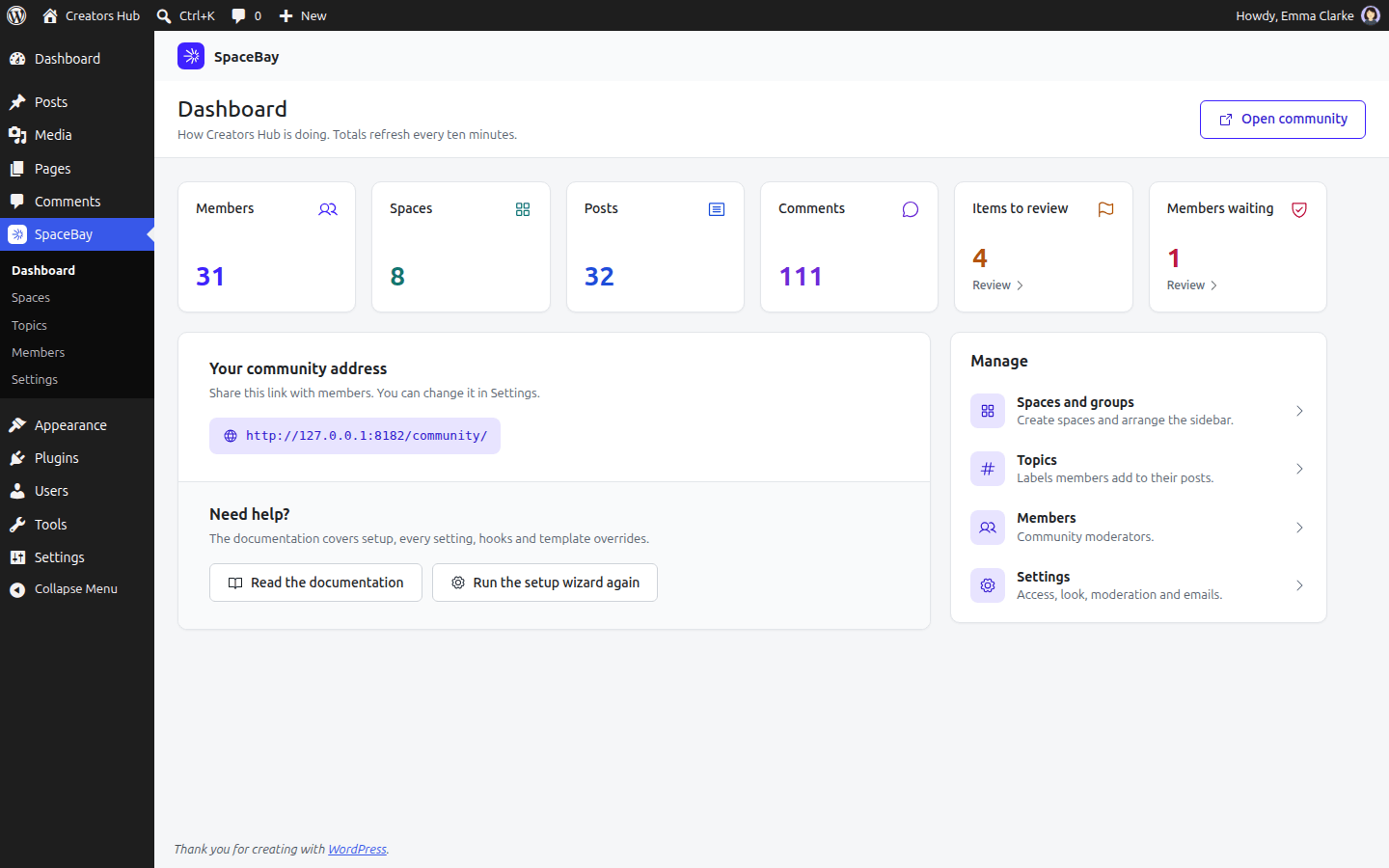
The admin dashboard. Totals refresh every ten minutes.
 SpaceBay
 Build a community, activity feed, group chat and events on your own WordPress site.
Get SpaceBay Pro
