Moderation and reports
Community moderators and administrators see Moderation in the community sidebar, with a red number when something needs a decision. The page has three tabs: To review, New members and Suspended.
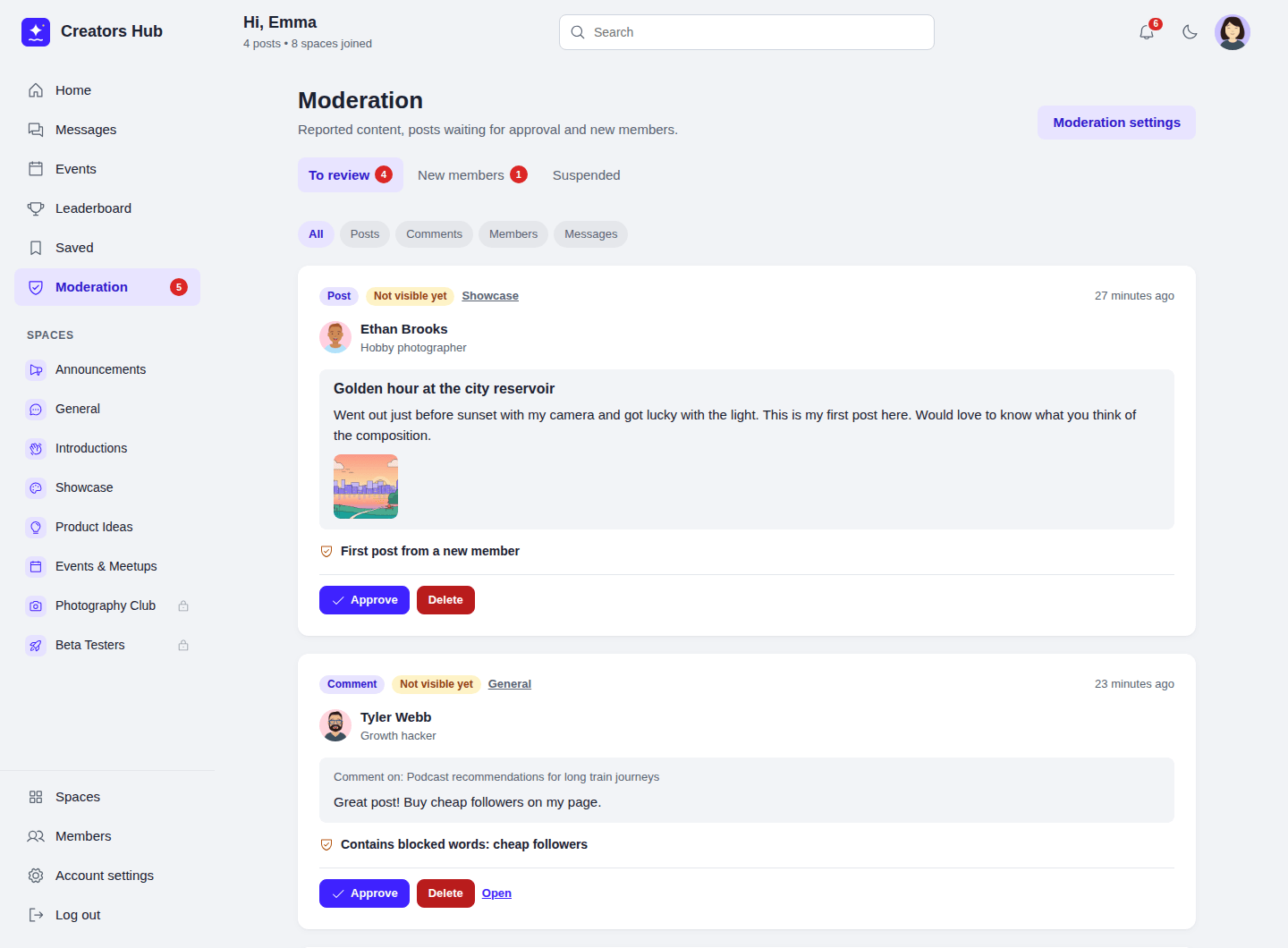
Posts and comments waiting for review.
Each item shows the post or comment, its author, its space and why it is there. Choose Approve (or Keep for visible content) to publish it and close its reports, or Delete to remove it. Delete asks you to click a second time. Authors are told when their post or comment is approved or removed, but never who reported it.
Content is held for review when:
- it contains a blocked word and the blocked-word action is Hold for review;
- it is a member’s first post and New posts is set to review the first post (after one approval the member posts freely);
- New posts is set to review every new post;
- enough members reported it (see Reports).
The author sees a message that a moderator will review it. Held content is not shown in feeds, search or notifications, and mentions are sent only after approval. Space admins, space moderators and community moderators are never held, and edits that add a blocked word are refused with a message. Blocked words match whole words in any letter case, so cat does not match category.
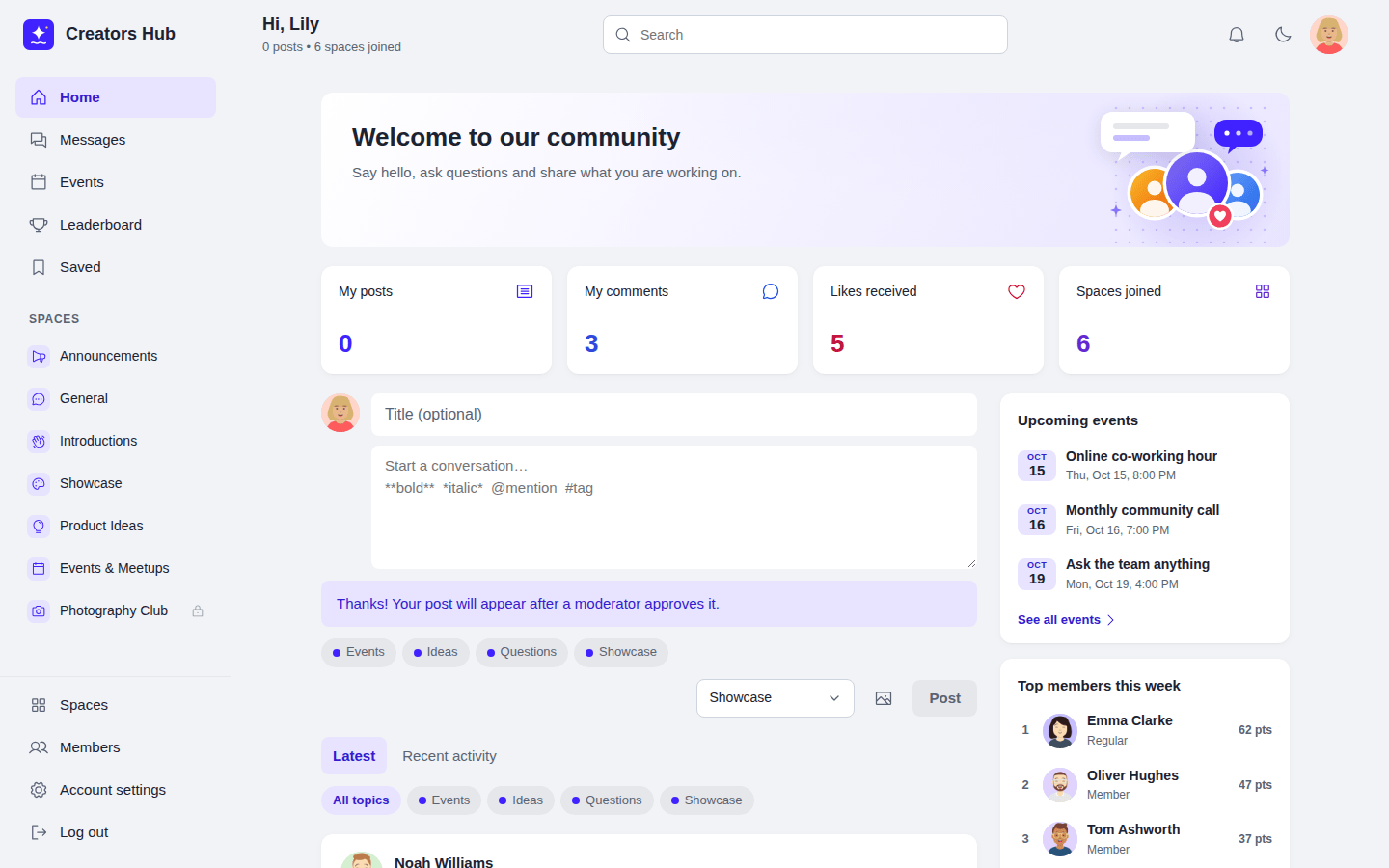
What a member sees when their post is held.
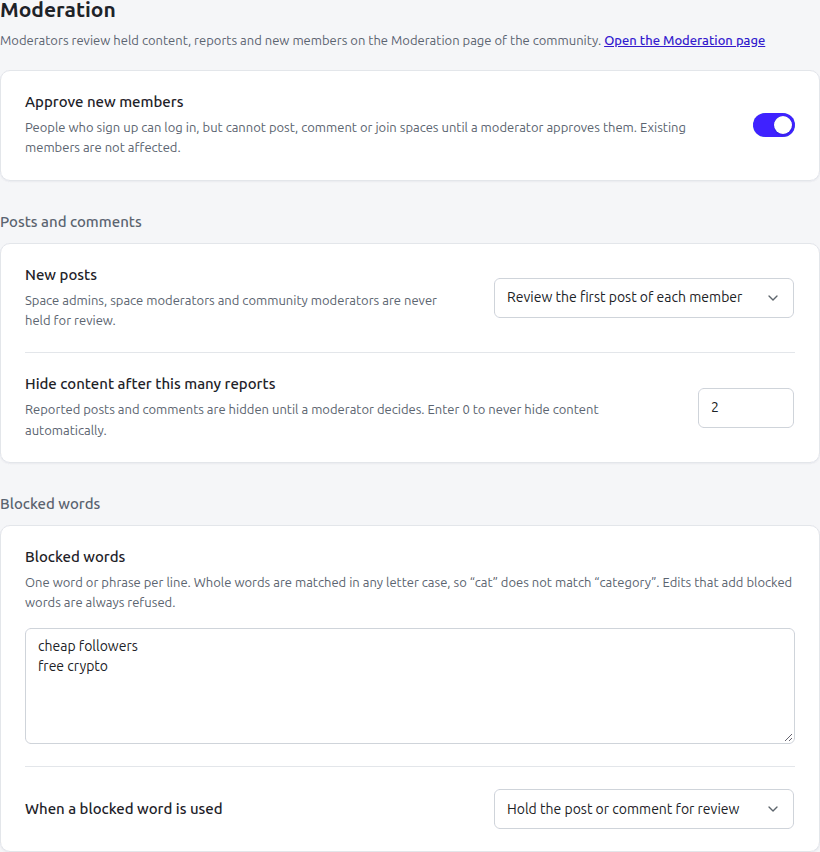
SpaceBay → Settings → Moderation.
Reports
Section titled “Reports”Logged-in members can report a post or comment from its menu, and a member from the flag button on their profile. They choose a reason (spam, harassment or hate, inappropriate content, or something else) and can add a note for moderators. A member can report the same thing once; members cannot report themselves.
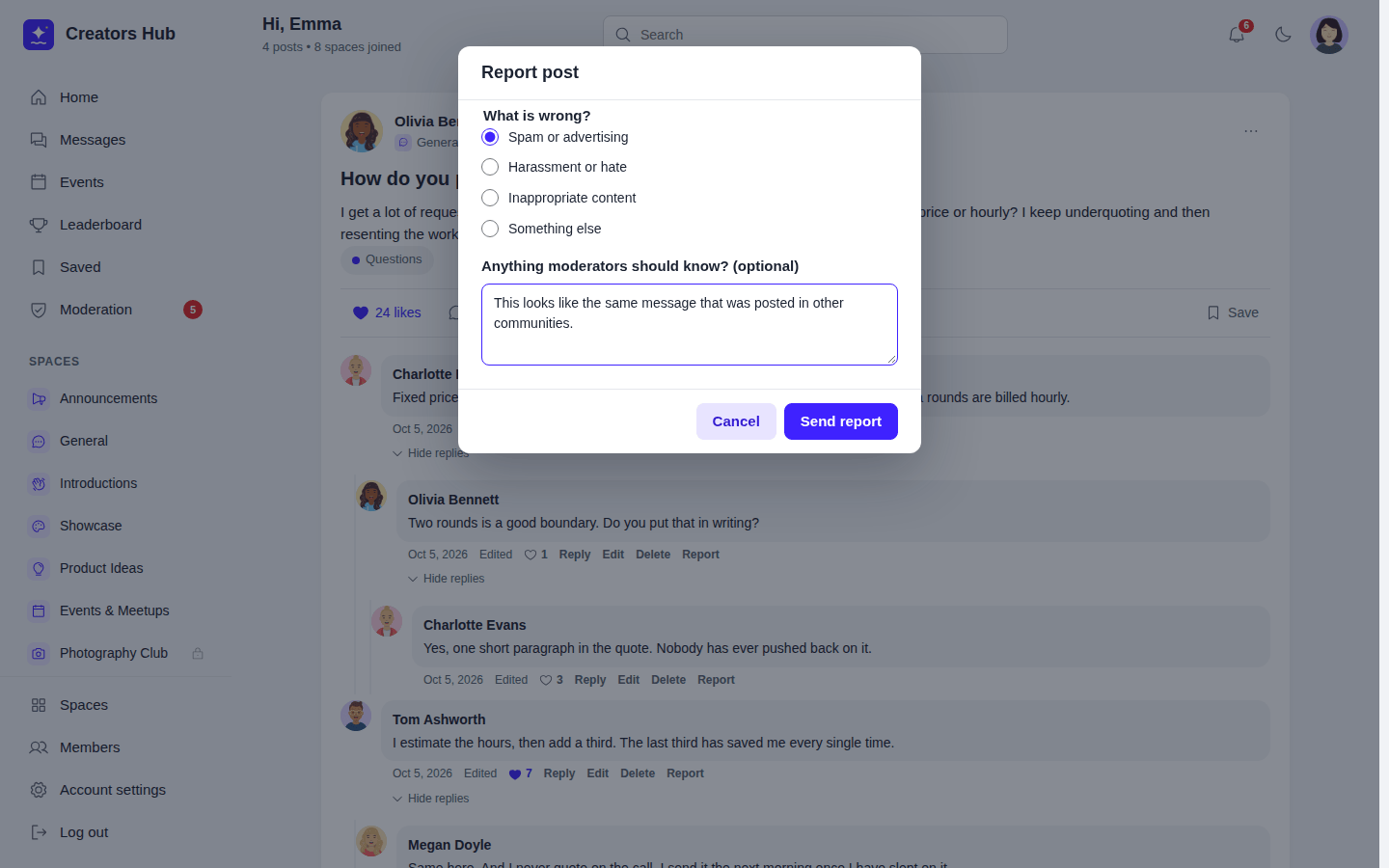
Reporting a post.
When a post or comment reaches the number of reports set in Hide content after this many reports, it is hidden until a moderator decides. Keep shows it again in its original place; Delete removes it. For a reported member, Dismiss closes the reports and Suspend member suspends the account. Content written by moderators is never hidden automatically.
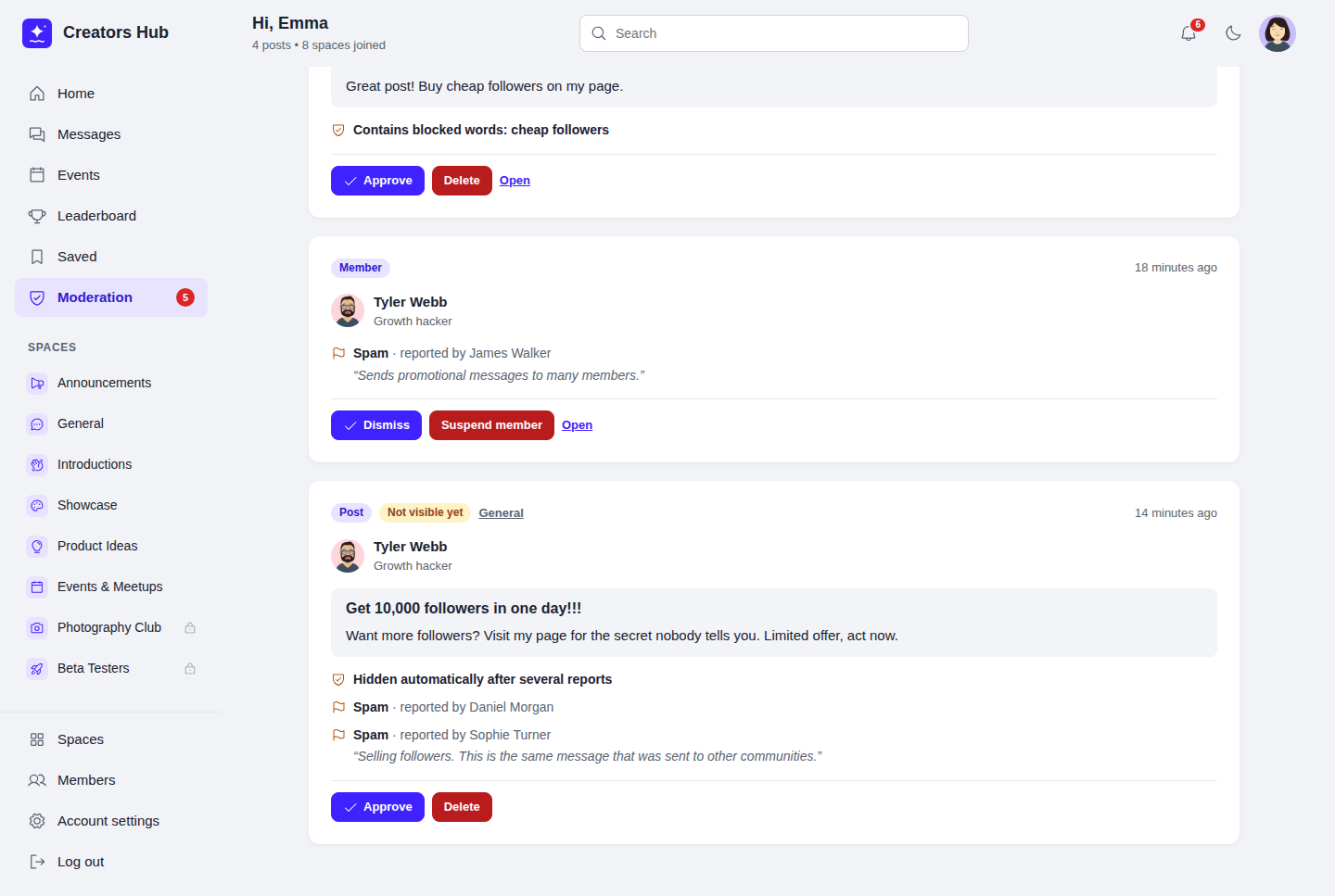
Reports with reasons, reporters and notes.
 SpaceBay
 Build a community, activity feed, group chat and events on your own WordPress site.
Get SpaceBay Pro
