Installation
SpaceBay (free)
Section titled “SpaceBay (free)”- In WordPress go to Plugins → Add New Plugin and search for “SpaceBay”. You can also download the zip from WordPress.org and use Upload Plugin.
- Click Install Now, then Activate.
- WordPress opens the SpaceBay dashboard. Your community is live at
yoursite.com/community/.
On the Plugins screen, SpaceBay has a Manage link, which opens the SpaceBay dashboard, and, under its description, Documentation and Get Pro links. Get Pro is hidden once Pro is active.
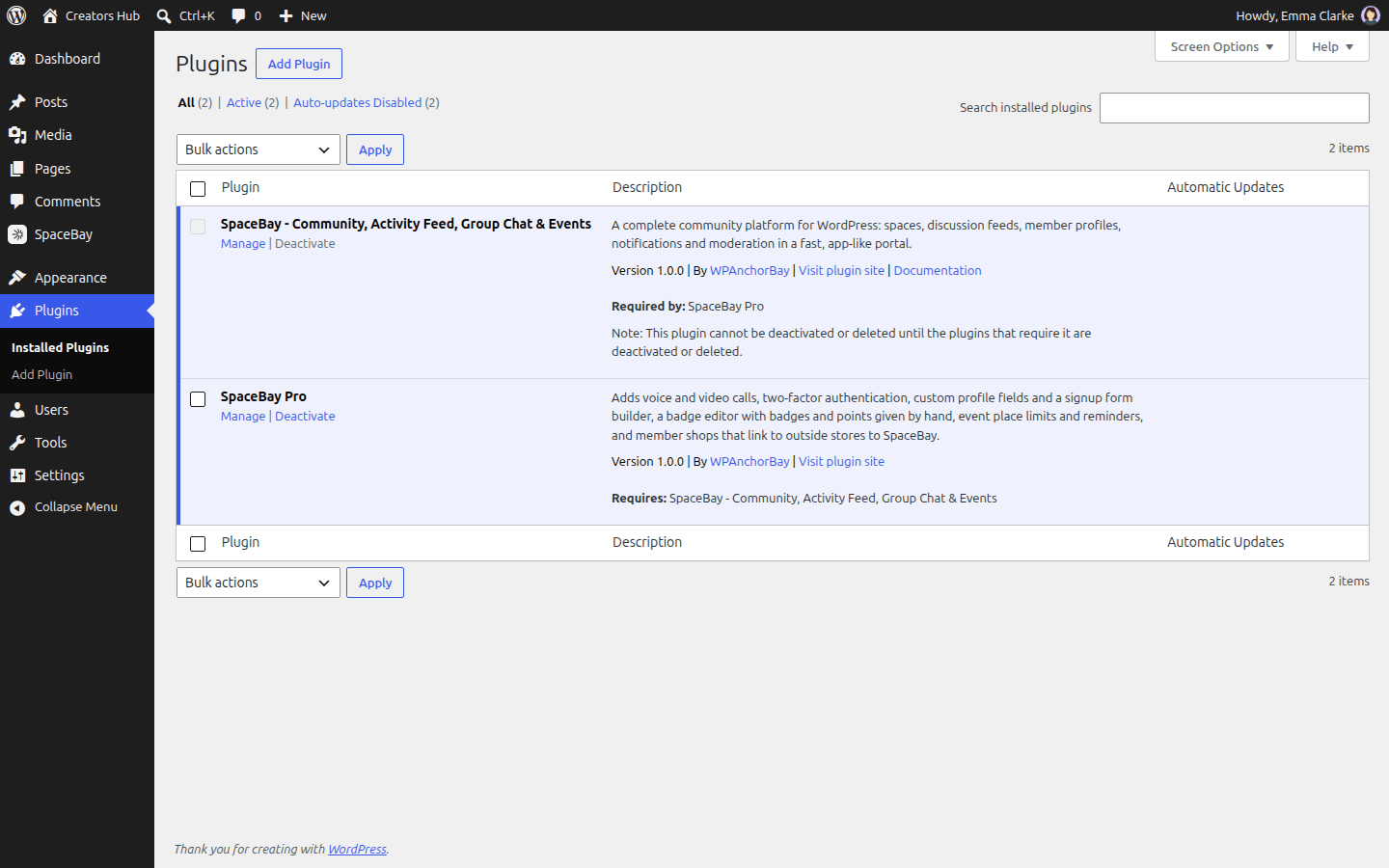
The Plugins screen with SpaceBay and SpaceBay Pro active.
SpaceBay Pro Pro
Section titled “SpaceBay Pro Pro”- Install and activate the free SpaceBay plugin first.
- Download spacebay-pro.zip from your wpanchorbay.com account.
- Go to Plugins → Add New Plugin → Upload Plugin, choose the zip, click Install Now, then Activate.
Pro has no licence key. See Licence and activation.
Bought on CodeCanyon
Section titled “Bought on CodeCanyon”The CodeCanyon download contains both zips: spacebay.zip and spacebay-pro.zip. Upload and activate spacebay.zip first, then spacebay-pro.zip, with Plugins → Add New Plugin → Upload Plugin.
 SpaceBay
 Build a community, activity feed, group chat and events on your own WordPress site.
Get SpaceBay Pro
