Introduction
SpaceBay turns your WordPress site into a community: members join spaces, post, comment and react in a fast portal that works on desktop and mobile, in light and dark mode.
SpaceBay 1.0.0 · SpaceBay Pro 1.0.0 · By WPAnchorBay
SpaceBay is free on WordPress.org. SpaceBay Pro is an optional add-on with calls, two-factor login and a few tools for community managers. Features that need Pro are marked Pro. See Free and Pro.
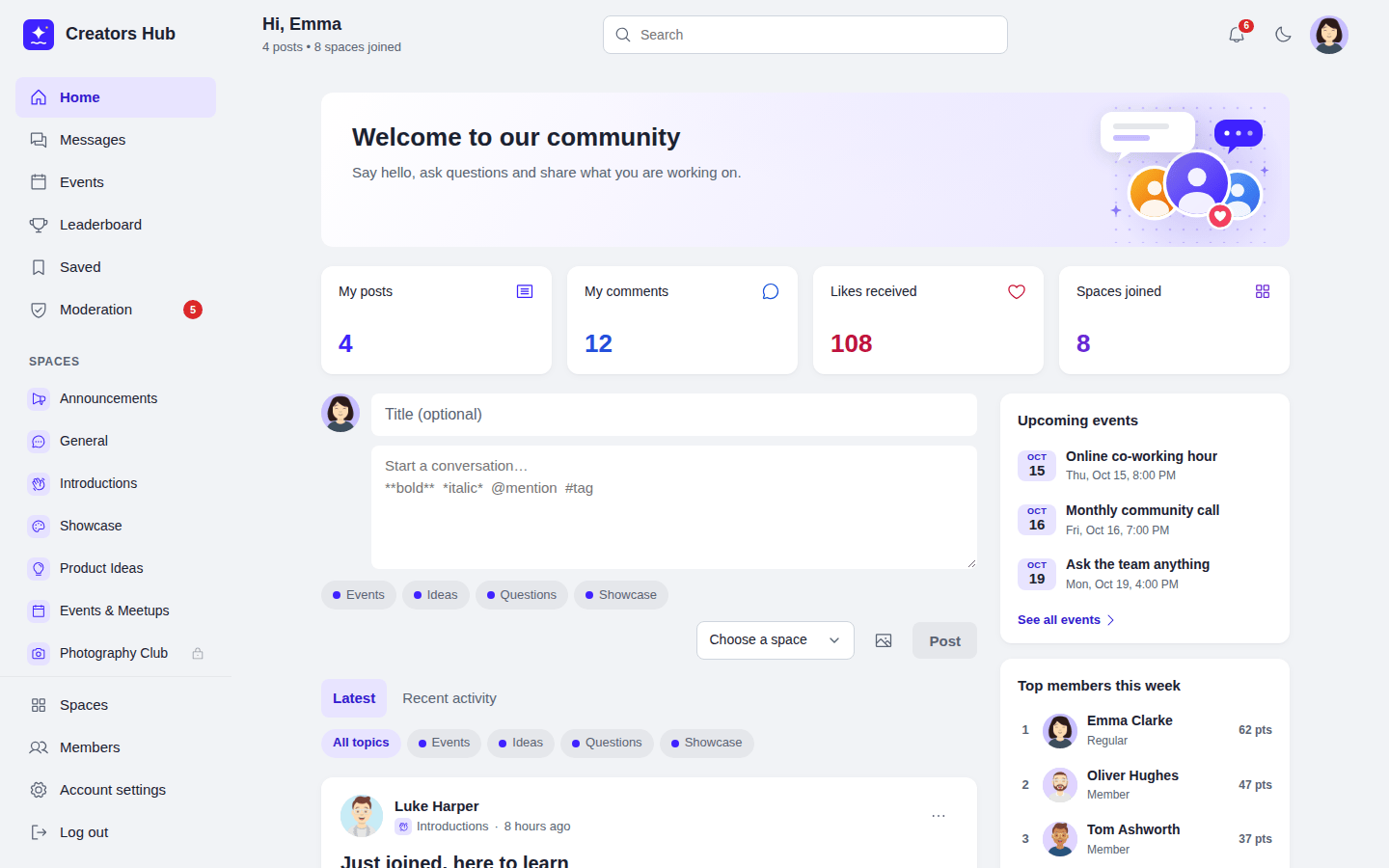
The community portal at yoursite.com/community/.
What you get
Section titled “What you get”- Spaces and groups where members meet, with public, private and secret spaces.
- A feed with posts, images, link previews, comments, likes, saved posts, topics and hashtags.
- Events with going, maybe and can’t go answers, a calendar and Add to calendar.
- Private messages and group chats.
- Profiles and a member directory.
- Points, levels, badges and a leaderboard.
- Notifications and emails, and search.
- Moderation: reports, blocked words, member approval and community moderators.
- Login and signup pages in your community’s design, with optional Google and Facebook login.
- Privacy tools, a REST API, hooks and template overrides for developers.
Where to start
Section titled “Where to start”- Check the requirements.
- Install the plugin.
- Run the setup wizard.
- Take the community portal tour.
 SpaceBay
 Build a community, activity feed, group chat and events on your own WordPress site.
Get SpaceBay Pro
