Profiles and member directory
Every member has a profile with a photo, a cover image, a headline, an About me text, location and website. With Pro, profiles also show any custom fields you add. Members edit it from the account menu → Account settings, or with Edit profile on their own profile page.
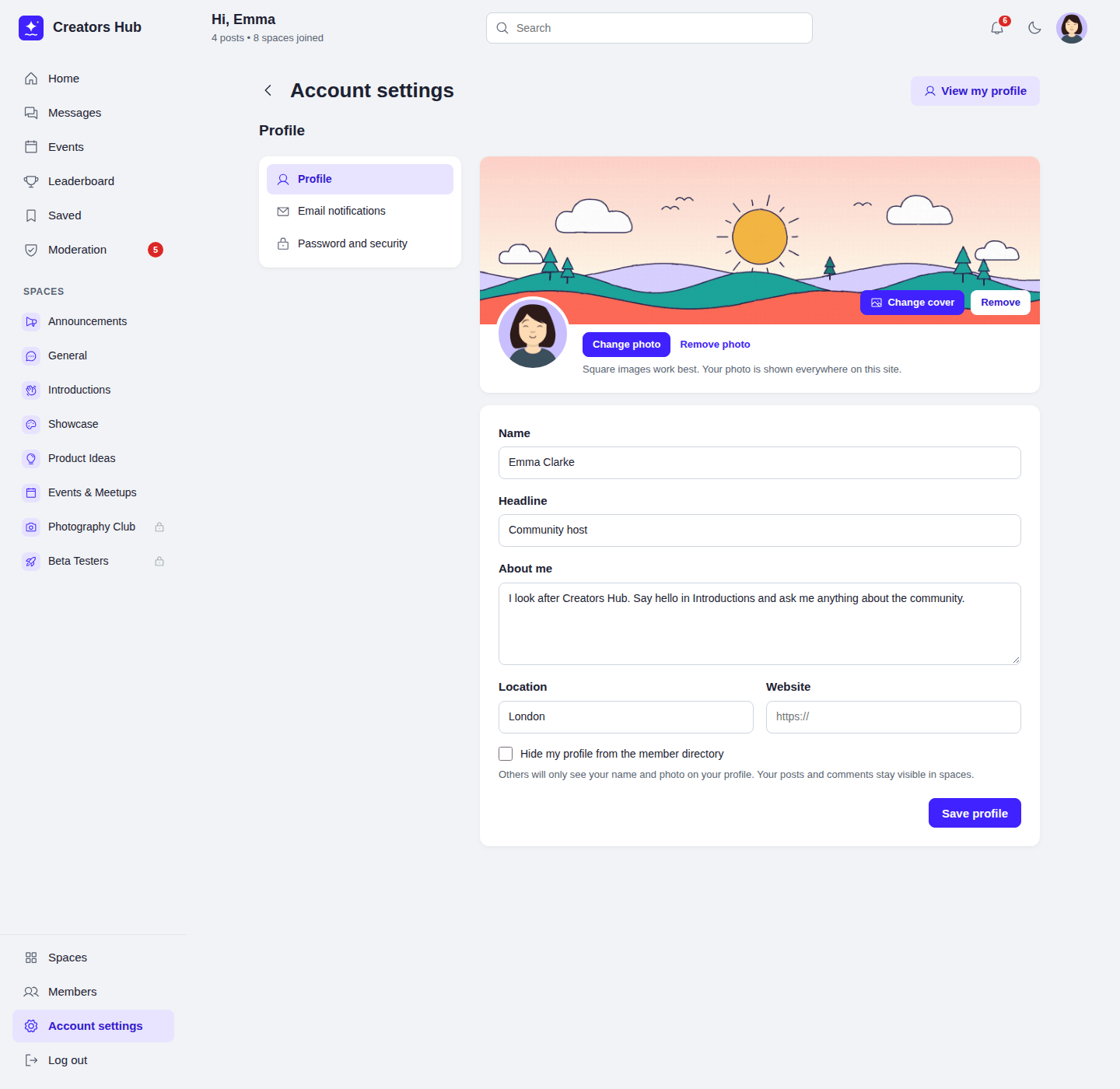
Account settings → Profile.

A member profile.
- Photo and cover. JPEG, PNG or WebP. Photos are cropped to a 400 × 400 square and covers to 1600 × 480. Images are re-saved by WordPress, so hidden data such as GPS location is removed. The photo replaces the Gravatar everywhere on your site, including WordPress comments.
- Hide my profile. Hidden members do not appear in the member directory or in search. Their profile page only shows their name and photo. Their posts and comments stay visible in spaces. Administrators can still see them.
- Last active. Profiles show when a member was last active in the community, updated at most every five minutes.
Member directory
Section titled “Member directory”Logged-in members can browse and search everyone in the community on the Members page. Email addresses and login names are never shown. Turn the directory off in Settings with Show the member directory to logged-in members; WordPress administrators can still see it.
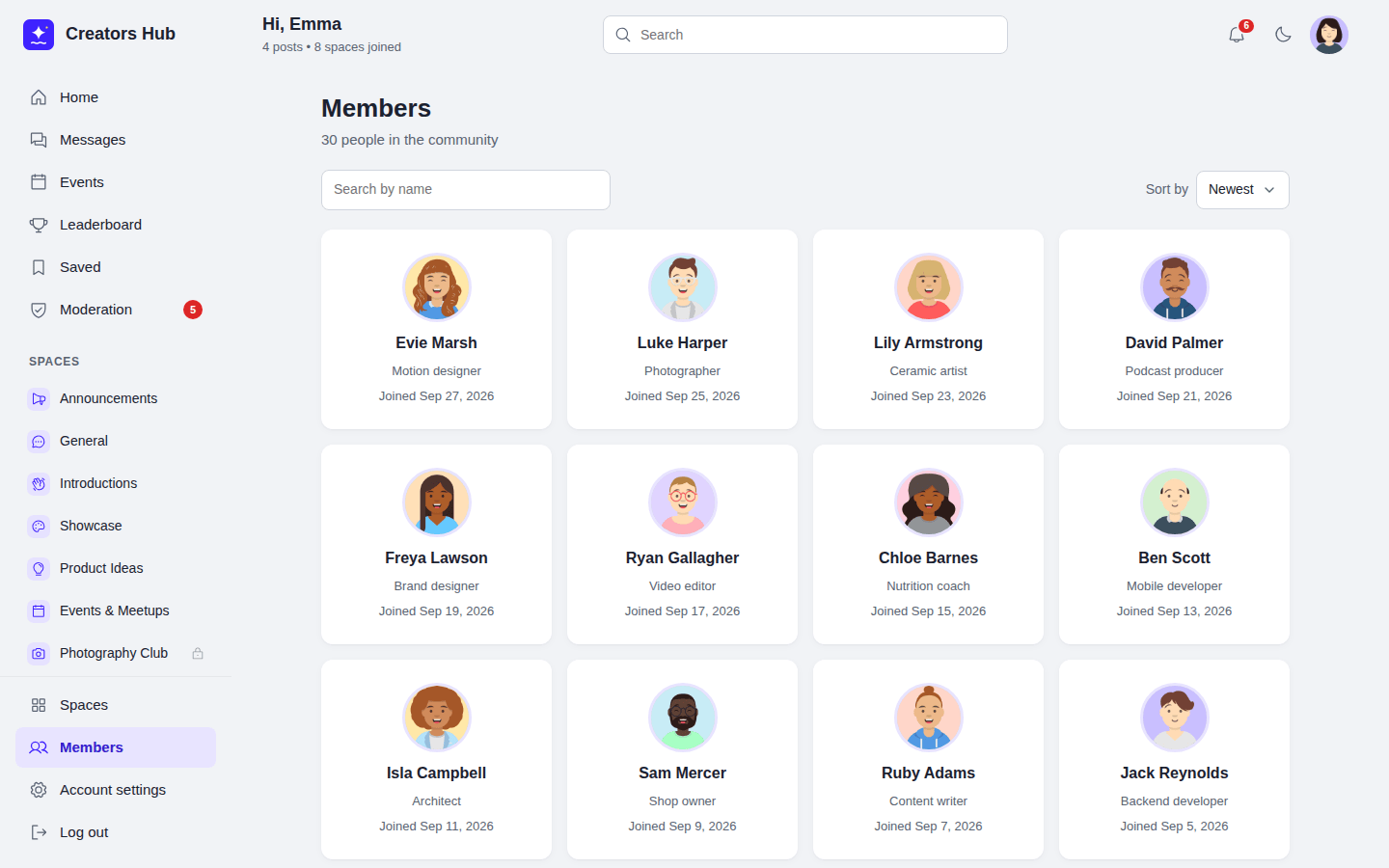
The member directory.
With Pro, profiles can also show your own custom fields.
 SpaceBay
 Build a community, activity feed, group chat and events on your own WordPress site.
Get SpaceBay Pro
