Moderation settings
Open SpaceBay → Settings and choose the Moderation section in the left column. Select Save changes at the top right when you are done.
| Setting | What it does |
|---|---|
| Approve new members | New sign-ups wait for a moderator before they can post, comment or join spaces. See Member approval. |
| New posts | Publish posts right away, review the first post of each member, or review every new post. |
| Blocked words | One word or phrase per line, and what happens when someone uses one: hold for review, hide the words with stars, or refuse the post. |
| Hide content after this many reports | Reported posts and comments are hidden until a moderator decides. 3 by default; 0 turns it off. |
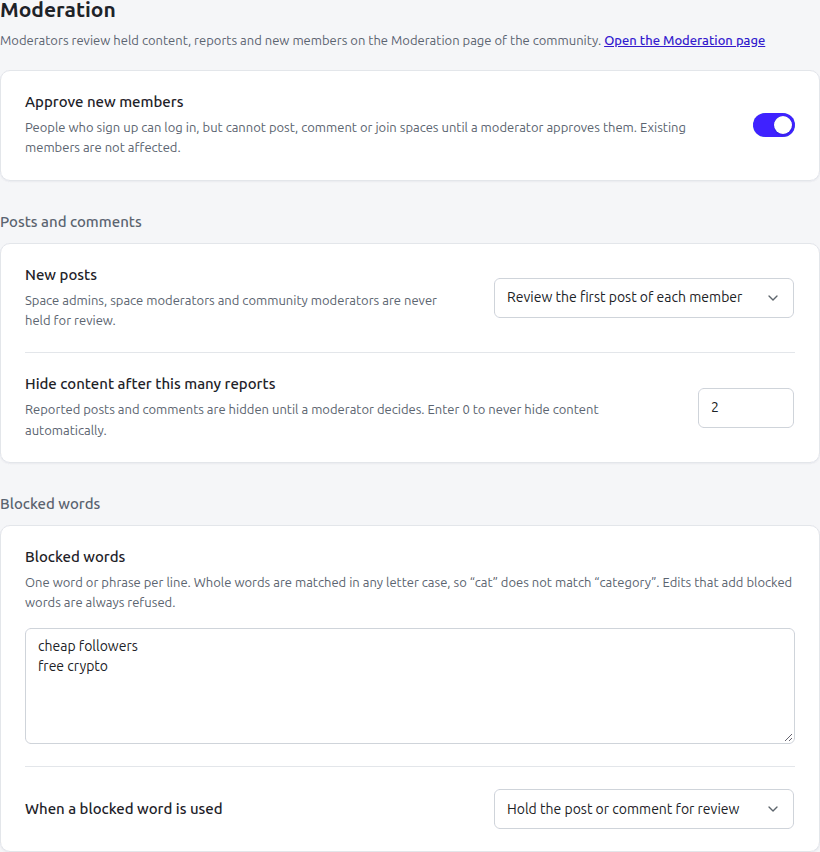
SpaceBay → Settings → Moderation.
 SpaceBay
 Build a community, activity feed, group chat and events on your own WordPress site.
Get SpaceBay Pro
