Points, levels, badges and leaderboard
Members earn points for taking part. You choose how many points each action gives in SpaceBay → Settings → Points and badges.
| Action | Points by default |
|---|---|
| A published post | 5 |
| A comment | 2 |
| A like from someone else on their post or comment (likes on your own content do not count) | 1 |
| Opening the community, once a day | 1 |
| Answering “going” to an event | 2 |
Points are taken back when the post or comment is deleted, the like is removed, the member changes their event answer or the event is cancelled. Posts held for review earn points when a moderator approves them. Suspended members do not earn points.
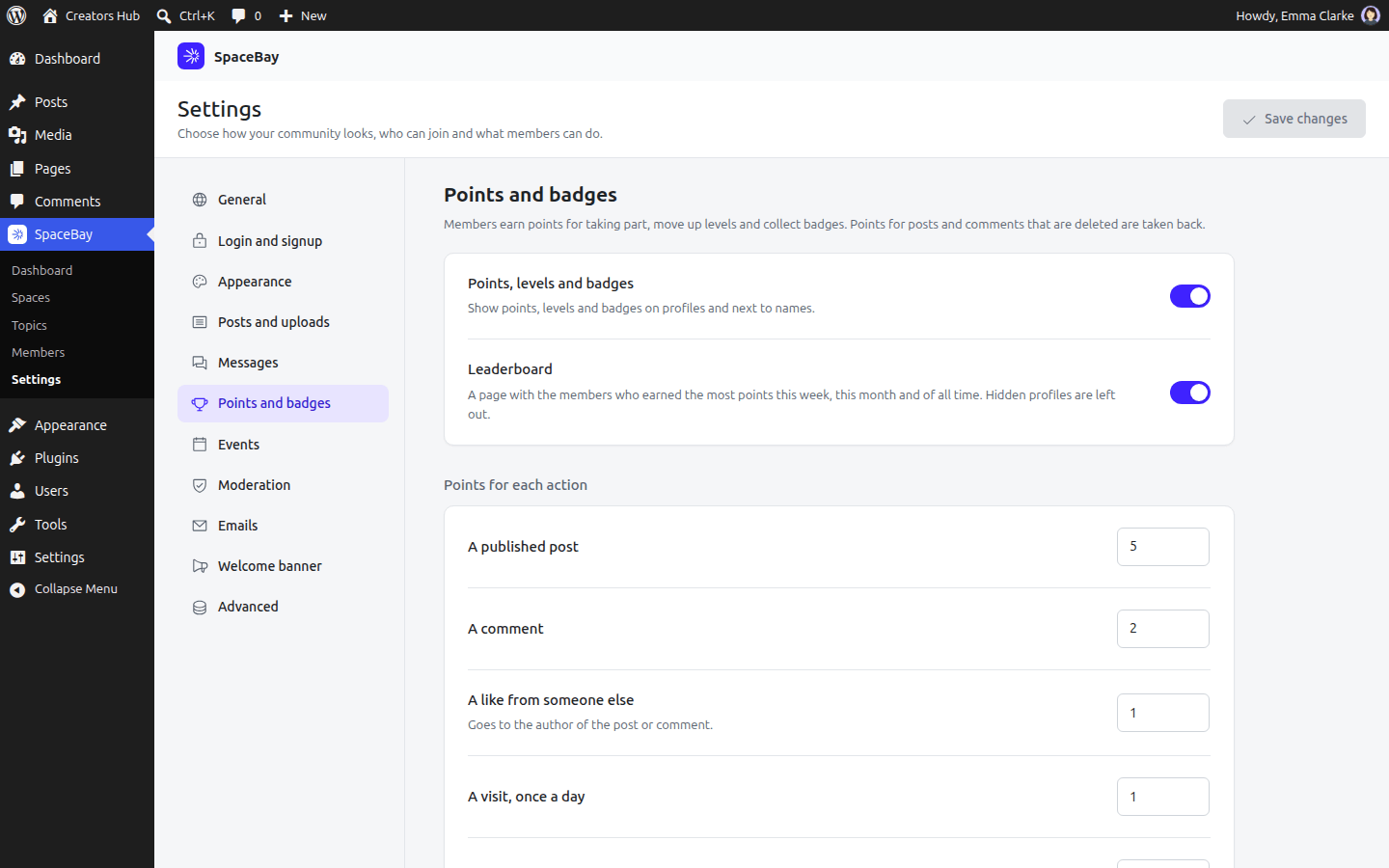
SpaceBay → Settings → Points and badges.
Levels. Each level has a name and the points needed to reach it. A member’s level shows on their profile, in the member directory, on the leaderboard and next to their name on posts (from the second level up). Members get a notification when they reach a new level.
Badges. SpaceBay comes with nine badges that members earn on their own: First post, First reply, Storyteller (10 posts), Conversationalist (50 comments), Well liked (25 likes), Crowd favourite (100 likes), Regular (30 daily visits), Event goer (5 events) and Community champion (1,000 points). Switch each one on or off in Settings → Points and badges. Members get a notification for every badge (and an email when they choose it). Badges are kept once earned, also when a rule changes or the member deletes what earned it.
Profiles. A member’s profile shows their level, points, place on the leaderboard and badges. On their own profile, members also see how far they are from the next level, the badges they can still earn with their progress, and a Points history.
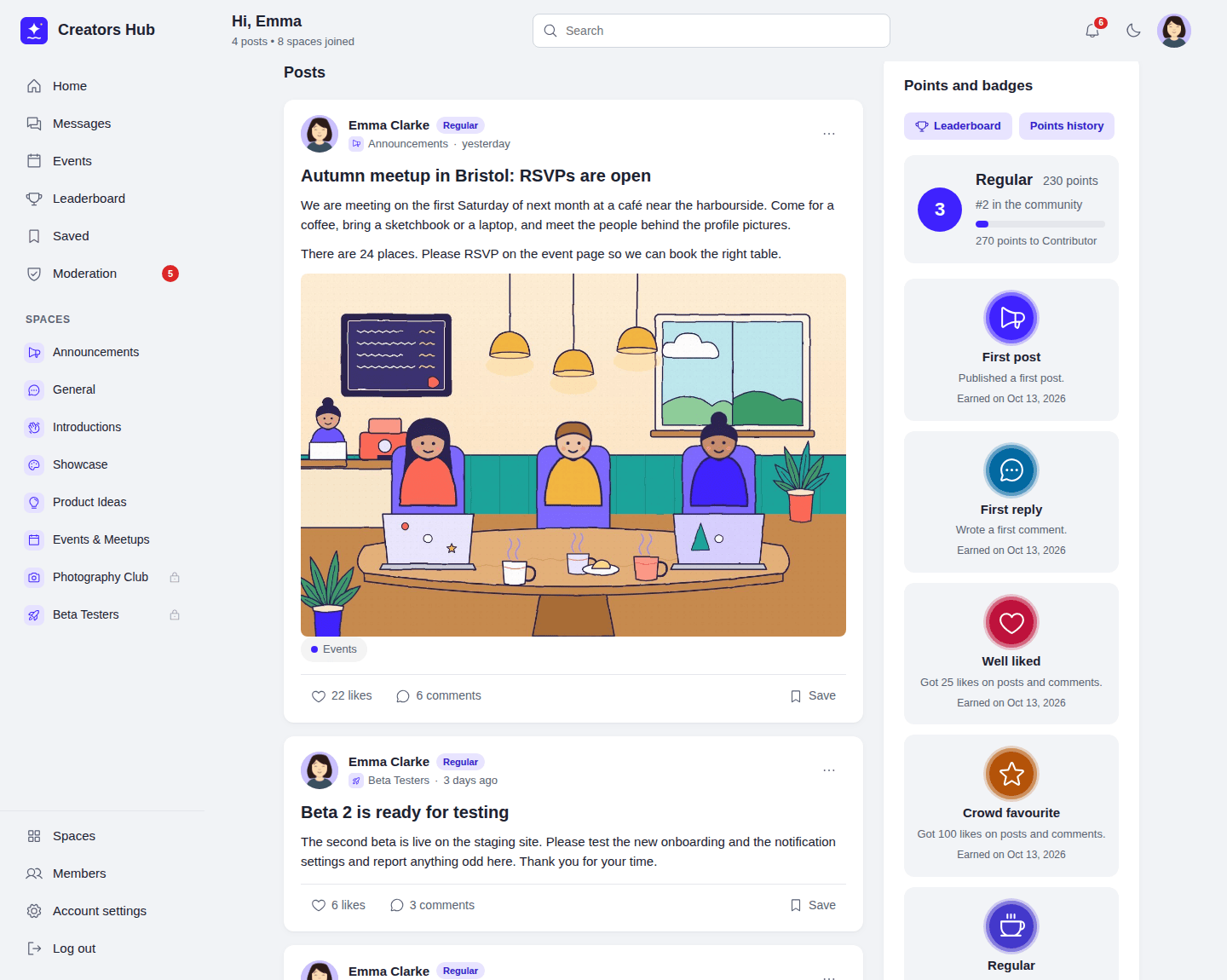
Points and badges on a member’s own profile.
Leaderboard. The Leaderboard page lists the members with the most points this week, this month and of all time, with a top three. Weeks start on the day set in the WordPress setting Settings → General → Week Starts On; dates follow your site’s time zone. Members with a hidden profile and suspended members are left out. The lists for this week and this month are added up every five minutes, so new points can take up to five minutes to show there; the all-time list is always current. Developers can change the time with the spacebay_leaderboard_cache_seconds filter (see Hooks and filters).
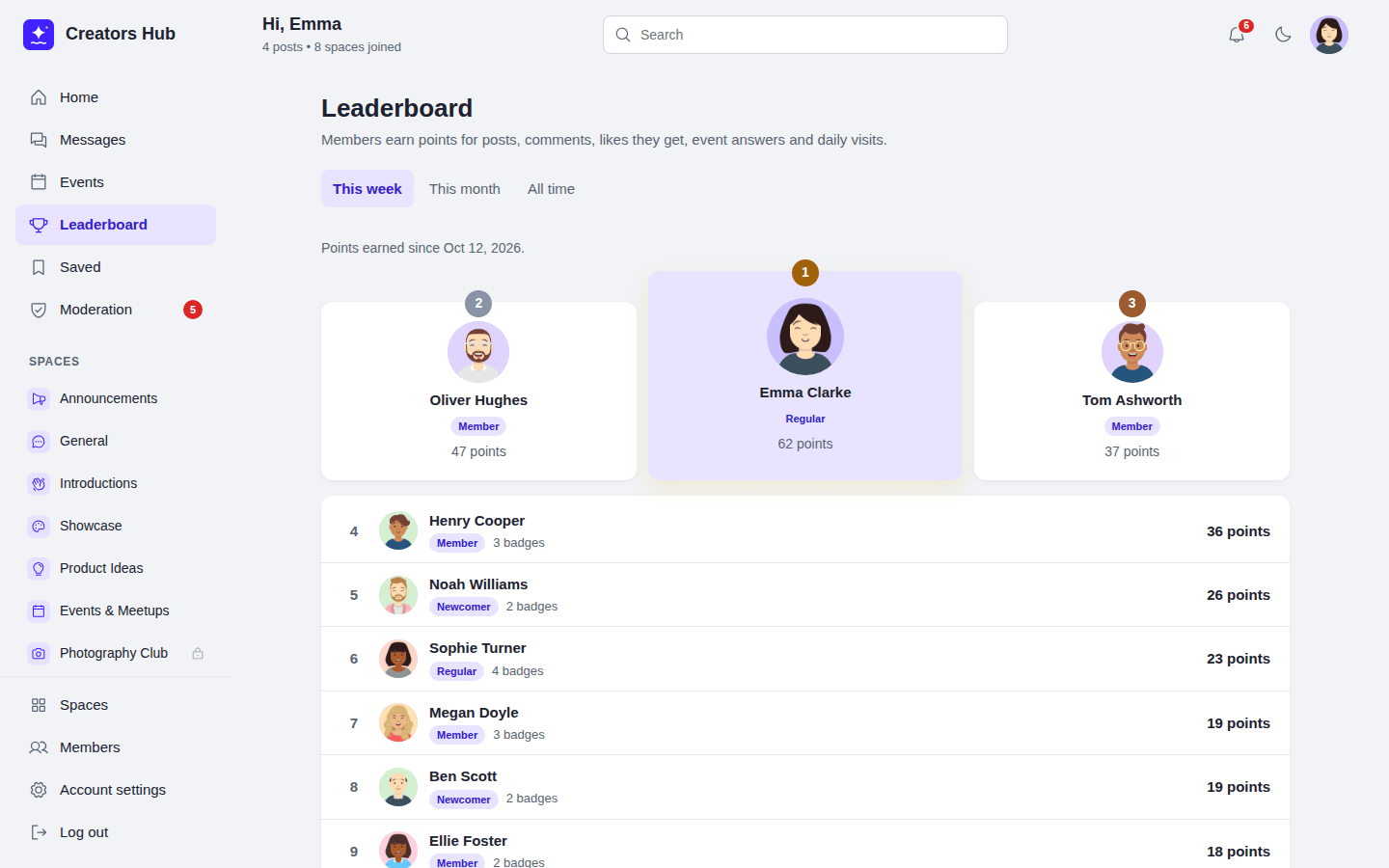
The Leaderboard page, this month.
Earlier content. When SpaceBay is installed or updated on a site that already has posts, comments and likes without points, members get points for them once, with the original dates, and badges they already reached are given without notifications.
The badge editor and giving badges and points by hand are part of SpaceBay Pro: see Badge editor and Manual badges and points.
 SpaceBay
 Build a community, activity feed, group chat and events on your own WordPress site.
Get SpaceBay Pro
