
License Activation
Where License Management Lives
Section titled “Where License Management Lives”Go to WooCommerce -> UpsellBay -> Settings -> License.
License settings are part of UpsellBay Pro; the free UpsellBay plugin has none. Activate Pro first, then open this section. Offers keep working without a license. The license is needed for updates and support.
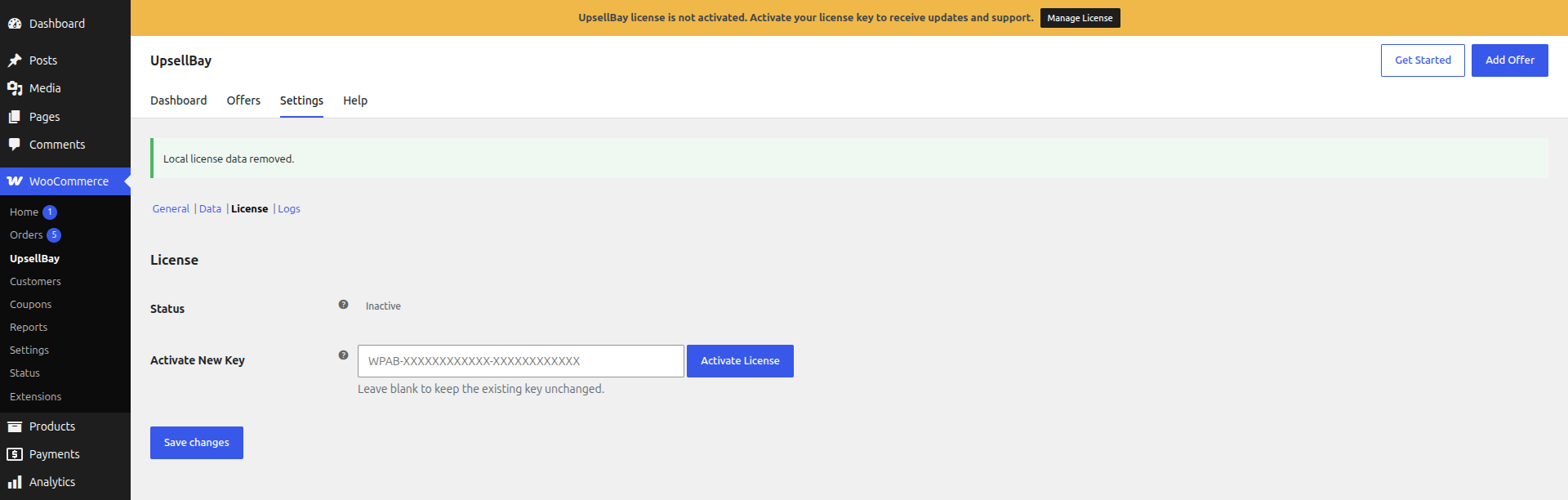
Activate New Key
Section titled “Activate New Key”When you purchase a license, you receive a license key through your email or you can get it from your account page on wpanchorbay.com or the platform where you purchased it.
Input your license key on the Activate New Key field and click Activate License button. The expected license key format is:
WPAB-XXXXXXXXXXXX-XXXXXXXXXXXX
The helper text under the field reads: “Paste the key from your WPAnchorBay account and click Activate License. Offers keep working without a license; it is needed for updates and support.”
If the format is invalid, Settings shows an error notice instead of sending a malformed request.
If the license key is valid, the plugin sends a request to the UpsellBay API to activate the license. The result appears as an inline notice at the top of the License section:
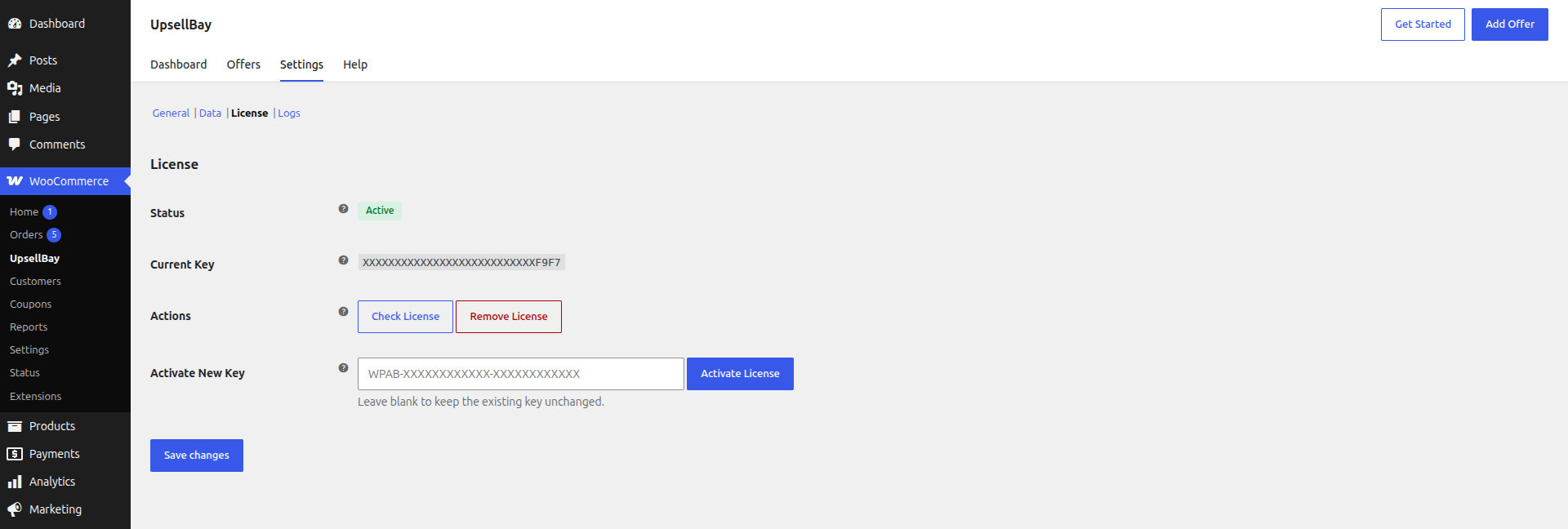
- “License activated successfully.” when the key is accepted. The status then shows Active.
- “License not activated:” followed by the reason when the key is rejected.
Related Settings Reference
Section titled “Related Settings Reference”For the full field-by-field documentation of this area, see License Settings.