

Waitlist vs Wishlist
When reviewing your subscriber data in the NotifyBay > Leads tab, you will notice that every entry is categorized as either a Waitlist or a Wishlist type.
Understanding the difference between these two modules is crucial for effectively managing your subscribers and tailoring your marketing strategies.
⏳ Waitlist (Back-in-Stock)
Section titled “⏳ Waitlist (Back-in-Stock)”A Waitlist lead is created when a customer subscribes to be notified about an out-of-stock product.
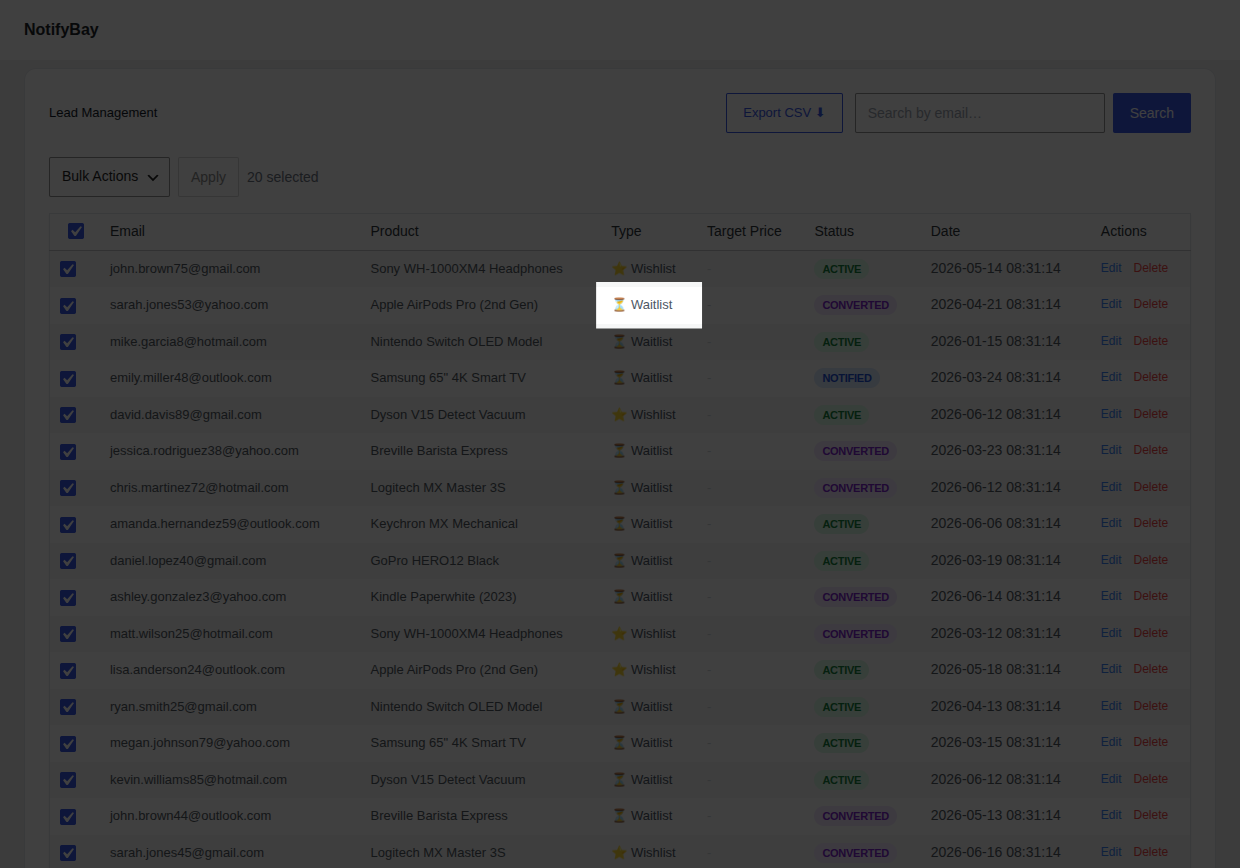
- The Trigger: The notification email is sent automatically when you update your WooCommerce inventory and the product becomes “In stock.”
- Customer Intent: These shoppers have immediate intent to buy. They have already committed to your product and are simply waiting for you to make it available.
- Strategic Value: Use waitlist volume to prioritize purchase orders. If 50 people are waiting for a sold-out item, restocking it is a guaranteed revenue win.
⭐ Wishlist (Price Drop)
Section titled “⭐ Wishlist (Price Drop)”A Wishlist lead is created when a customer subscribes to an in-stock product because they are waiting for a better deal.
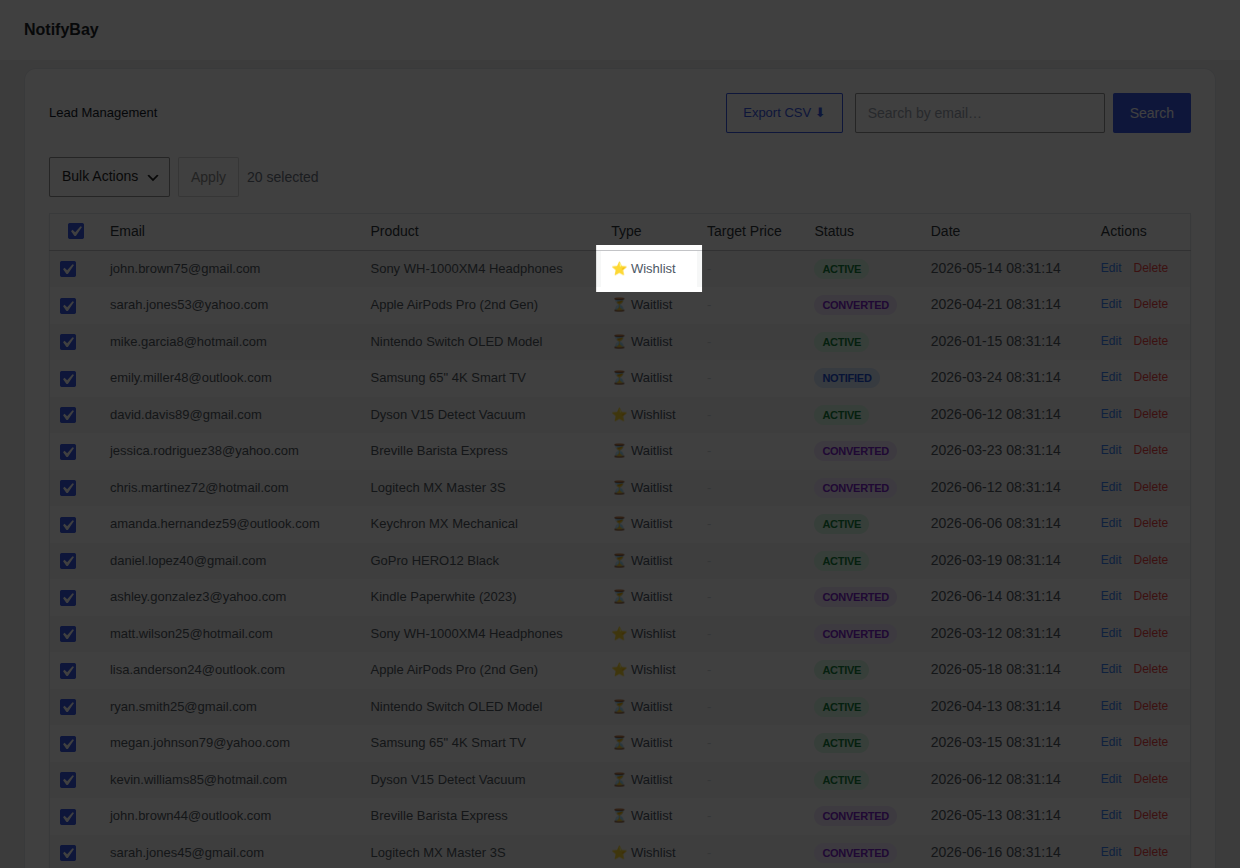
- The Trigger: The customer sets a “Target Price” (e.g., the product is $100, but they only want to pay $80). The alert is sent if you lower the price to meet or beat that target.
- Customer Intent: These shoppers are price-sensitive. They want your product but are hesitant to pay the current full price.
- Strategic Value: Use “Target Price” data for strategic discounting. If most watchers are waiting for a 15% discount, running a flash sale at that exact price point will trigger a massive conversion spike.
Strategic Comparison
Section titled “Strategic Comparison”| Feature | Waitlist | Wishlist |
|---|---|---|
| Product Status | Out of Stock | In Stock |
| Primary Driver | Inventory Availability | Price Sensitivity |
| Key Metric | Potential Recovery | Pent-up Demand |
| Marketing Goal | Immediate conversion upon restock. | Strategic conversion during sales events. |
Summary: How They Work Together
Section titled “Summary: How They Work Together”NotifyBay is unique because it handles both ends of the conversion funnel.
- While Waitlists ensure you don’t lose sales to competitors when you’re out of stock,
- Wishlists ensure you don’t lose sales to bargain-hunters who are waiting for a coupon code or a holiday sale.
By running both modules, you capture 100% of customer interest, regardless of your current inventory or pricing.
[!TIP] You can enable or disable these modules individually in your General Settings.