
Product Settings
The Product Settings tab controls how discounts and promotional messaging appear on your individual product pages.
Message Formats
Customize how promotional messages are displayed on product pages for different campaign types.
Percentage Schedule / Early Bird Discount
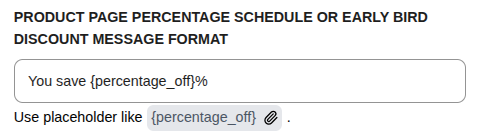
Placeholder: {percentage_off} — The percentage discount value.
Example: You save {percentage_off}%
Fixed Schedule / Early Bird Discount
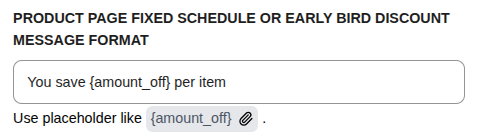
Placeholder: {amount_off} — The fixed amount discount.
Example: You save {amount_off} per item
BOGO Discount
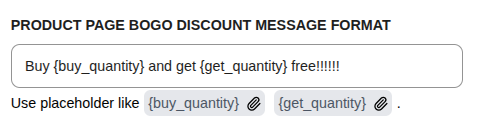
| Placeholder | Description |
|---|---|
{buy_quantity} | Quantity customer must buy |
{get_quantity} | Quantity customer receives |
Example: Buy {buy_quantity} and get {get_quantity} free!!!!!!
BOGO Advanced Discount
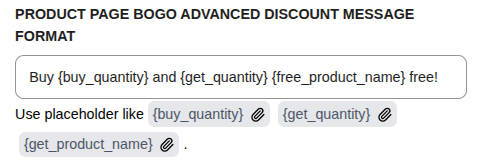
| Placeholder | Description |
|---|---|
{buy_quantity} | Quantity customer must buy |
{get_quantity} | Quantity customer receives |
{free_product_name} | Name of the free product |
Example: Buy {buy_quantity} and {get_quantity} {free_product_name} free!
Quantity Discounts Table
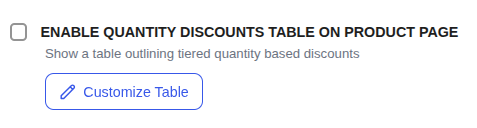
Enable Quantity Discounts Table on Product Page
When enabled, a pricing table showing tiered discounts will appear on product pages for Quantity-based campaigns.
Customize Discount Table
Click Customize Table to open the configuration modal:
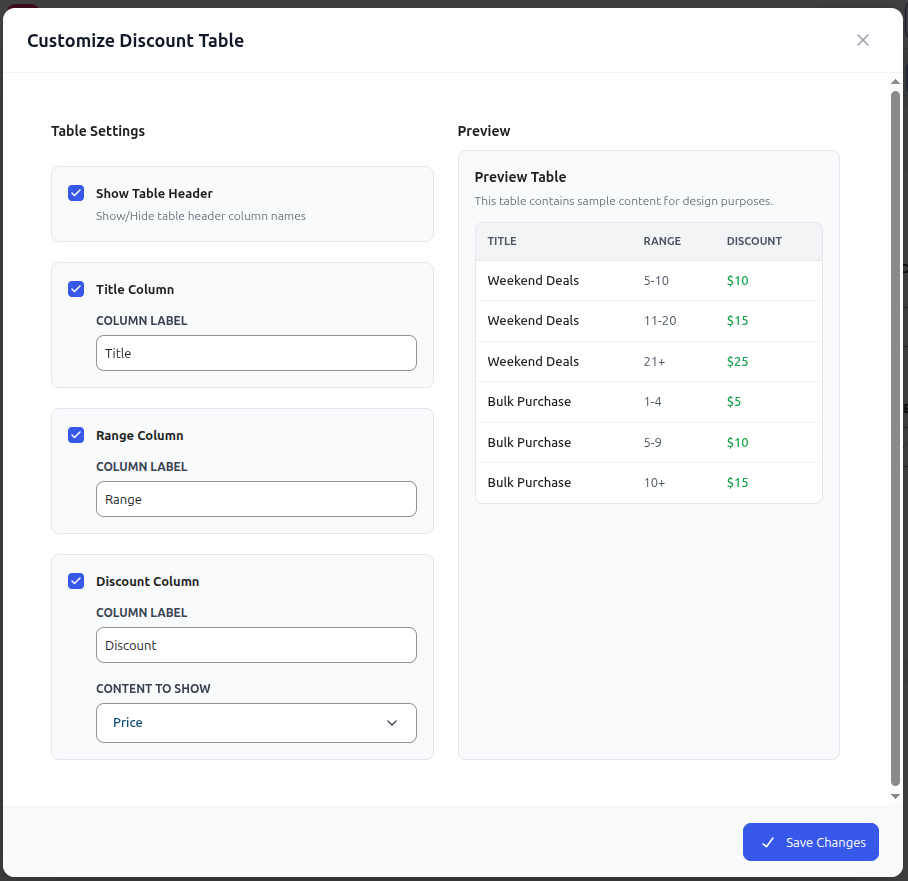
| Setting | Description |
|---|---|
| Show Table Header | Toggle visibility of column header row |
| Title Column | Enable/disable and customize the campaign title column |
| Range Column | Enable/disable and customize the quantity range column |
| Discount Column | Enable/disable, customize label, and choose content (Price/Percentage) |
The Preview section shows a live preview of how the table will appear.
Product Exclusion & Prioritization
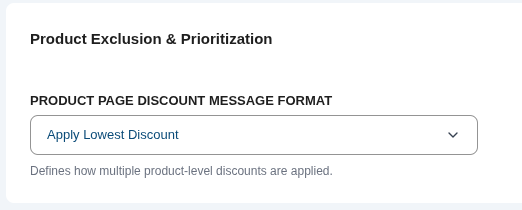
Product Page Discount Message Format
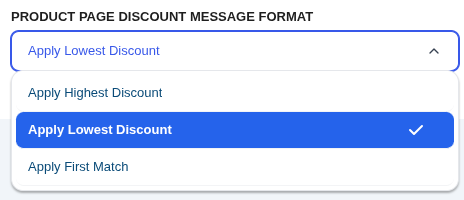
Defines the logic when multiple discounts could apply to the same product:
| Option | Behavior |
|---|---|
| Apply Highest Discount | Uses the campaign giving the biggest price reduction |
| Apply Lowest Discount | Uses the campaign giving the smallest price reduction |
| Apply First Match | Applies the first matching campaign by priority order |
INFO
This setting only applies when campaign stacking is disabled. If stacking is enabled, discounts can be layered according to the stacking rules.
Next Steps
Continue exploring the settings for cart and stacking logic.