
Global Settings
The Global Settings tab contains the main operational controls for the entire plugin, affecting how discounts are calculated and displayed across your store.
Global Options
Enable Discount Add-on

This is the master "on/off" switch for CampaignBay.
- ON (Green): The plugin is active and will apply discounts to your store.
- OFF (Grey): The entire pricing engine is disabled. No discounts will be calculated or applied. This is a quick way to temporarily pause all campaigns.
Bulk Table Position

Controls where the "Quantity Discount" pricing table appears on product pages.
| Option | Placement |
|---|---|
| Below Cart | Directly below the "Add to Cart" button |
| Above Cart | Directly above the "Add to Cart" button |
| Below Meta | Below product metadata (SKU, Category) |
| Above Meta | Above product metadata |
Discount Bar Position

Controls where promotional bars (for Scheduled or BOGO discounts) appear on product pages.
| Option | Placement |
|---|---|
| Below Cart | Below the "Add to Cart" section |
| Above Cart | Above the "Add to Cart" section |
| Below Meta | Below the product metadata |
| Above Meta | Above the product metadata |
Calculate Discount From
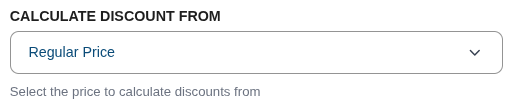
Determines which price is used as the base for discount calculations.
- Regular Price: Always calculates from the product's original price, ignoring any existing WooCommerce sales.
- Sale Price: If a product is already on sale in WooCommerce, the discount is calculated from that reduced price (prevents deep stacking).
Debugging & Logging
Enable Debug Mode

When checked, the plugin logs detailed process information for troubleshooting.
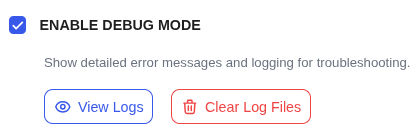
Once enabled, two action buttons appear:
- View Logs: Opens the Debug Log Viewer modal.
- Clear Log Files: Purges all current log history.
Debug Log Viewer
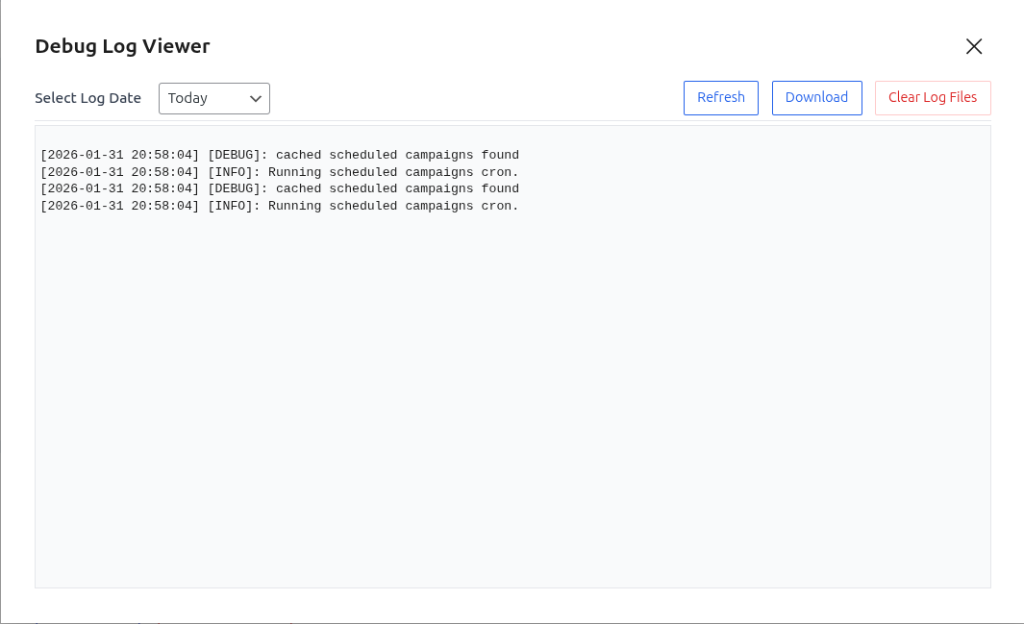
The log viewer provides:
- Select Log Date: Choose which day's logs to view.
- Refresh: Reload the current log file.
- Download: Save the log file locally for sharing with support.
- Clear Log Files: Permanently delete all log entries.
TIP
Enable Debug Mode when diagnosing issues. Remember to disable it in production to avoid performance overhead.
Next Steps
Continue exploring the settings for products and messaging.