

Referral Program
The Referral Program turns your existing customers into advocates for your store. Each customer gets a personal referral link to share; when a friend uses it to sign up and place their first order, the referring customer earns bonus points and you can optionally reward the new customer too, giving both sides a reason to make the introduction happen.
The Enable Referrals toggle and the referrer’s bonus amount live at WooCommerce → Settings → Loyalty Points, under the Referrals group (this group is shared with the free plugin, which owns the referrer-side settings). Full field details are in the Settings Reference.
How It Works
Section titled “How It Works”- Share a logged-in customer copies their referral link from the Refer a Friend card on their Customer Dashboard.
- Visit a friend clicks the link and arrives at your store. PointBay remembers the referral for 30 days, even if the friend doesn’t buy immediately.
- Register the friend creates an account.
- Purchase the friend completes their first order.
- Reward the referring customer receives their Referral Bonus Points, and the new customer receives their own New Customer Bonus Points welcome bonus, if you’ve set one above
0.
Rewards are paid out once per referred customer, on their first completed order only later orders from the same friend don’t earn the referrer any more points.
Walkthrough: Turn On Referrals
Section titled “Walkthrough: Turn On Referrals”- Go to WooCommerce → Settings → Loyalty Points, in the Referrals group.
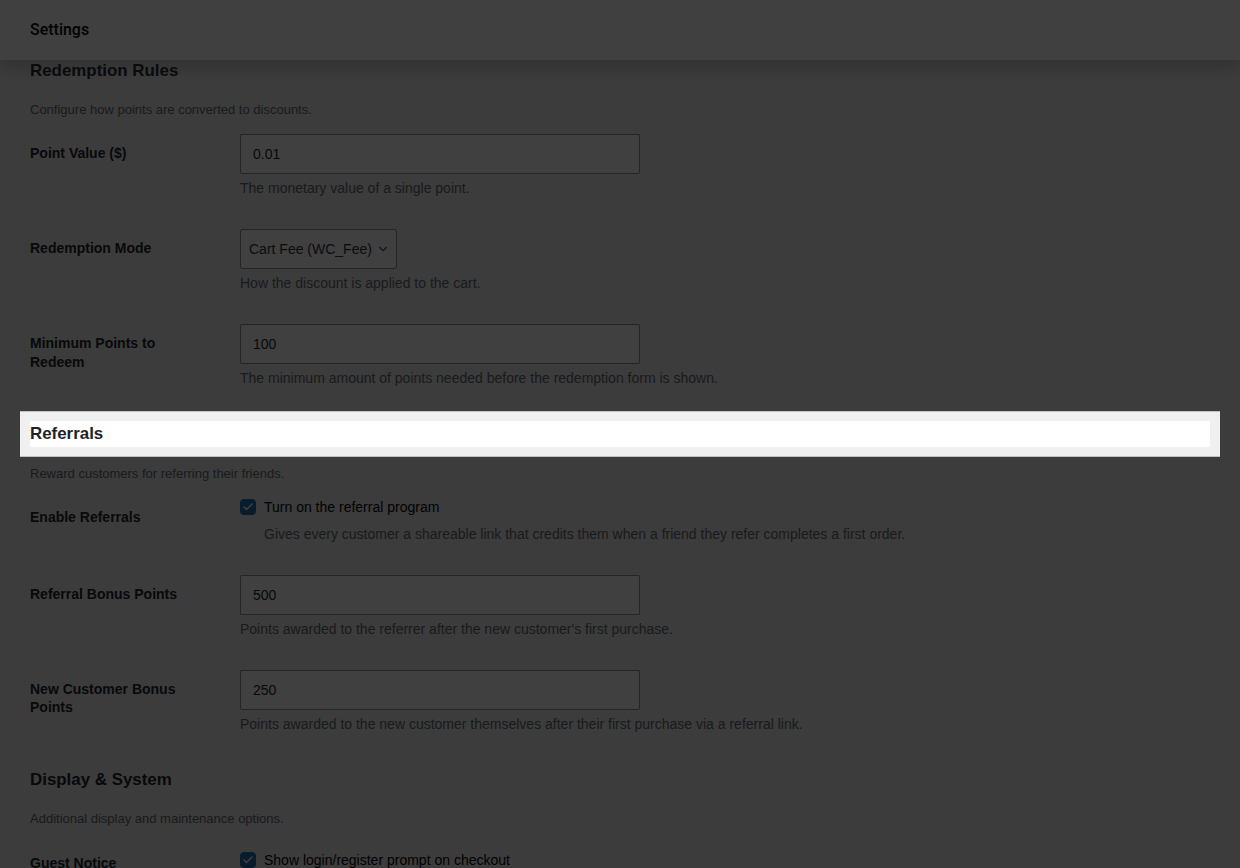
- Turn on Enable Referrals.
- Set Referral Bonus Points to what you want the referrer to earn (the default is
1000). - With PointBay Pro active, also set New Customer Bonus Points to what the new customer should earn as a welcome bonus (the default is
100) or leave it at0to reward only the referrer. This field doesn’t appear at all without Pro.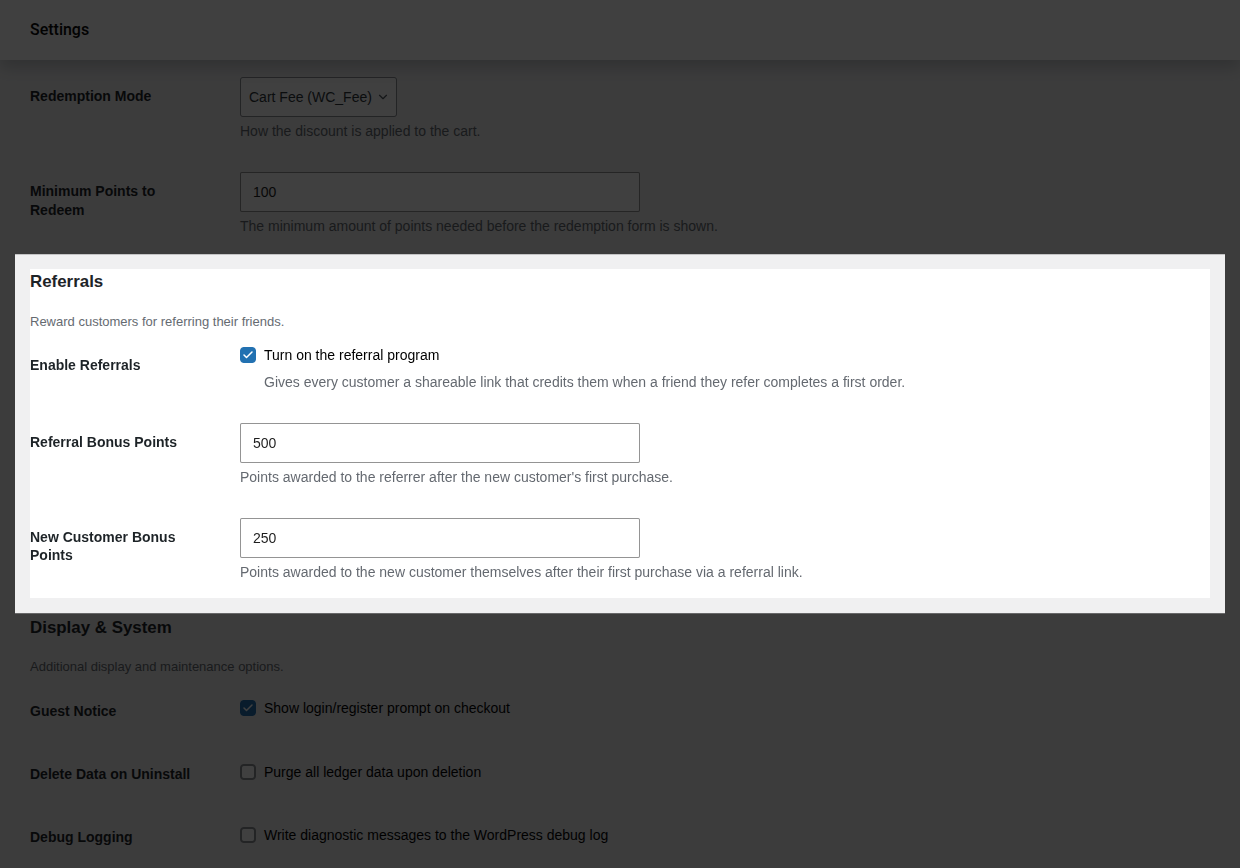
- Click Save changes.
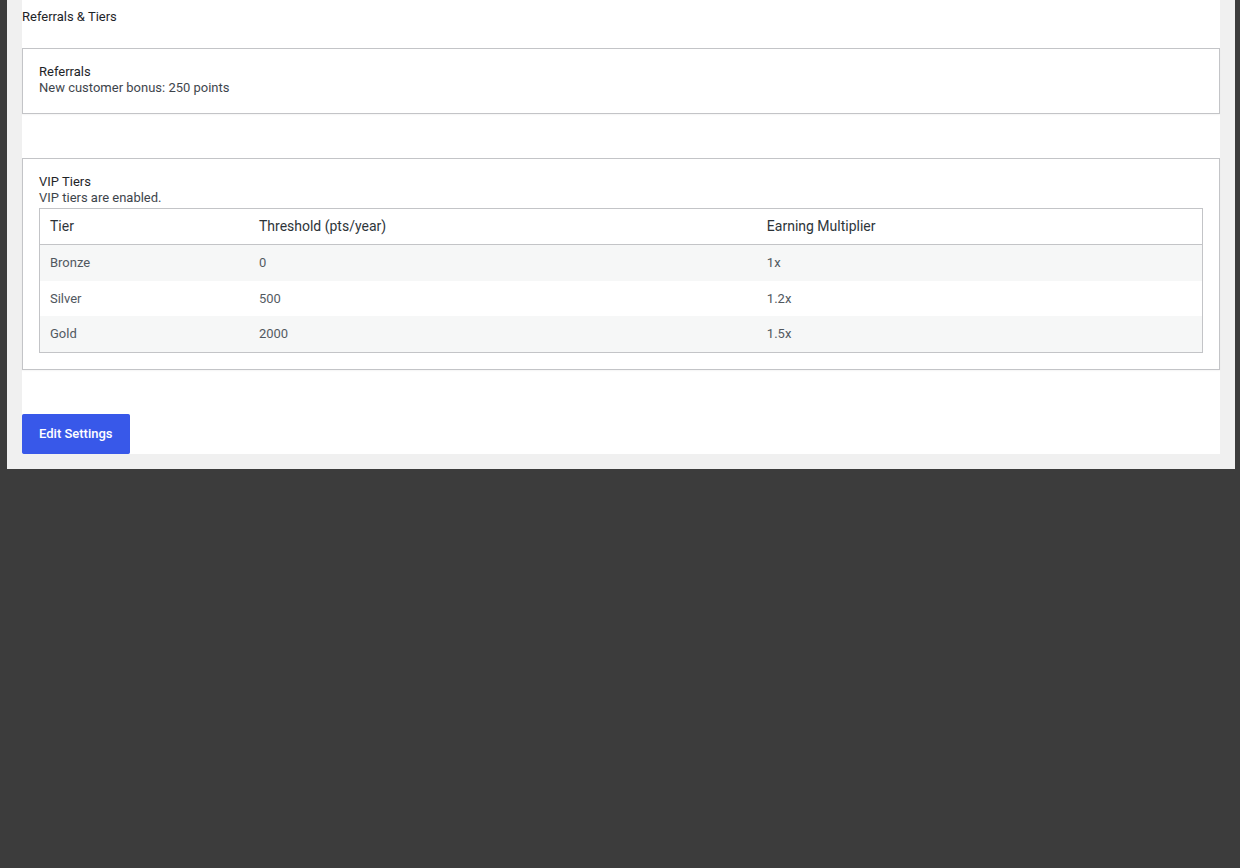
- Verify it worked: with Pro active, go to WooCommerce → Referrals & Tiers and confirm the page reflects your configured new-customer bonus amount.
Worked Examples
Section titled “Worked Examples”Example 1 a successful referral, defaults. Priya shares her referral link. Her friend Marcus clicks it, registers, and places his first order two weeks later. PointBay credits Priya 1,000 points (Referral Bonus Points) and Marcus 100 points (New Customer Bonus Points) both the moment Marcus’s order is completed.
Example 2 a referred order is refunded. If Marcus’s qualifying order is fully refunded before or after the bonuses were paid, PointBay automatically reverses both bonuses: Priya’s 1,000 points and Marcus’s 100 points are debited back out, each recorded as its own reversal entry in Points History.
Reward Rules
Section titled “Reward Rules”- One reward per friend. A referrer is rewarded only on a referred friend’s first completed order never on that friend’s later purchases.
- No self-referrals. A customer can’t earn a bonus by using their own referral link.
- Reversals. If the qualifying first order is later cancelled, fails, or is fully refunded, both the referrer’s bonus and the new customer’s welcome bonus are automatically taken back. Partial refunds, unlike with regular purchase points, don’t affect the referral reward it’s all-or-nothing based on whether the order is still a completed, non-refunded order.
All referral rewards and reversals appear in Points History, labeled Referral Bonus / Referral Reversal for the referrer’s side and Referral Signup Bonus / Referral Signup Reversal for the new customer’s welcome bonus.
Overview Page
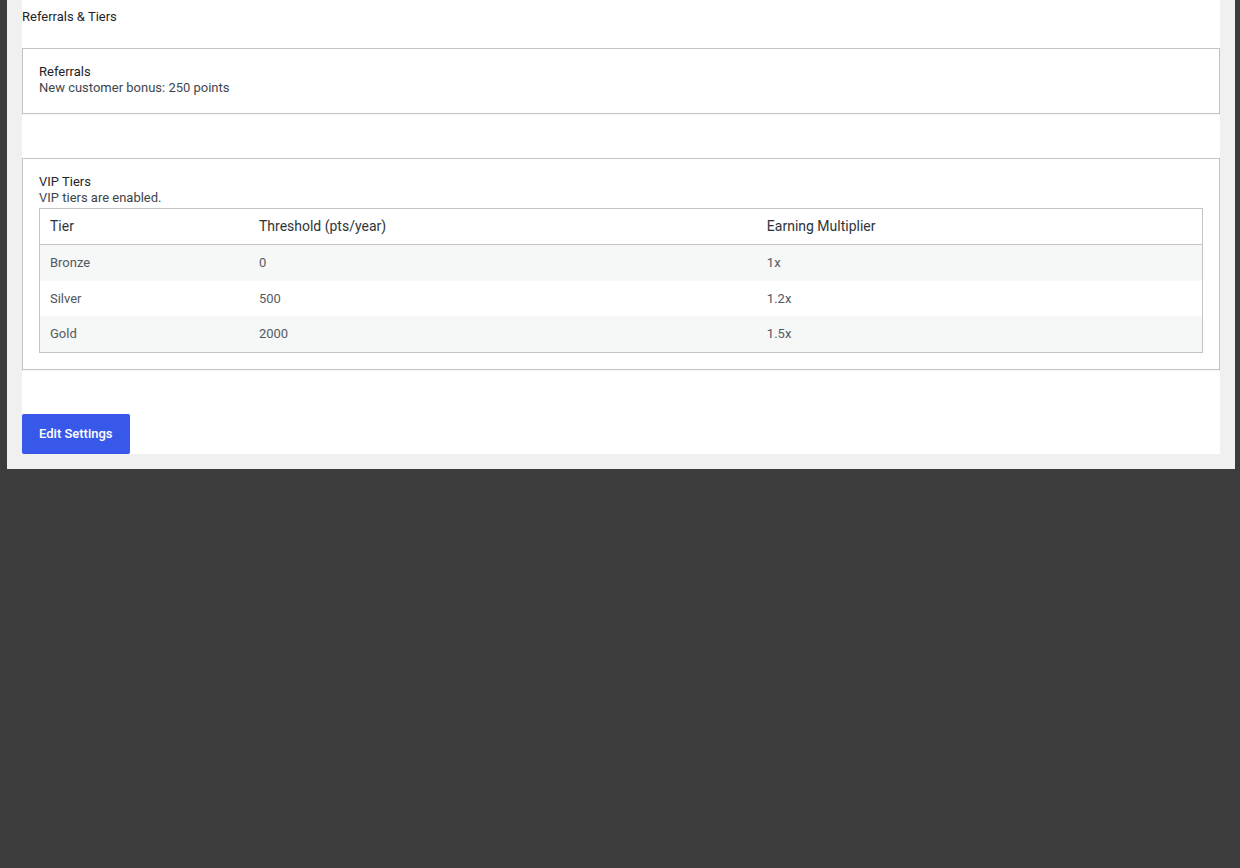
Section titled “Overview Page”With Pro active, WooCommerce → Referrals & Tiers gives you a read-only summary of your referral and tier setup at a glance including the current new-customer bonus amount and whether VIP Tiers are enabled with an Edit Settings link that takes you back to the settings screen to make changes.
Troubleshooting
Section titled “Troubleshooting”- A referral link didn’t credit anyone confirm the friend actually completed checkout, not just visited; no order means no reward. Also confirm the 30-day tracking window hadn’t already expired.
- The referrer wasn’t rewarded but the friend definitely bought something check whether this was that friend’s first order ever, since only a first order qualifies.
- Both bonuses vanished after a refund this is expected: a full refund on the qualifying order reverses both sides of the referral reward.
See Troubleshooting for more general issues.