

Points Ledger
The Points Ledger is the central source of truth for all points activity in LoyaltyBay. It lists every credit and debit transaction in an immutable, append-only table.
Admin Ledger Overview
Section titled “Admin Ledger Overview”To view the ledger:
- Log in to your WordPress admin panel.
- Navigate to WooCommerce > Loyalty.
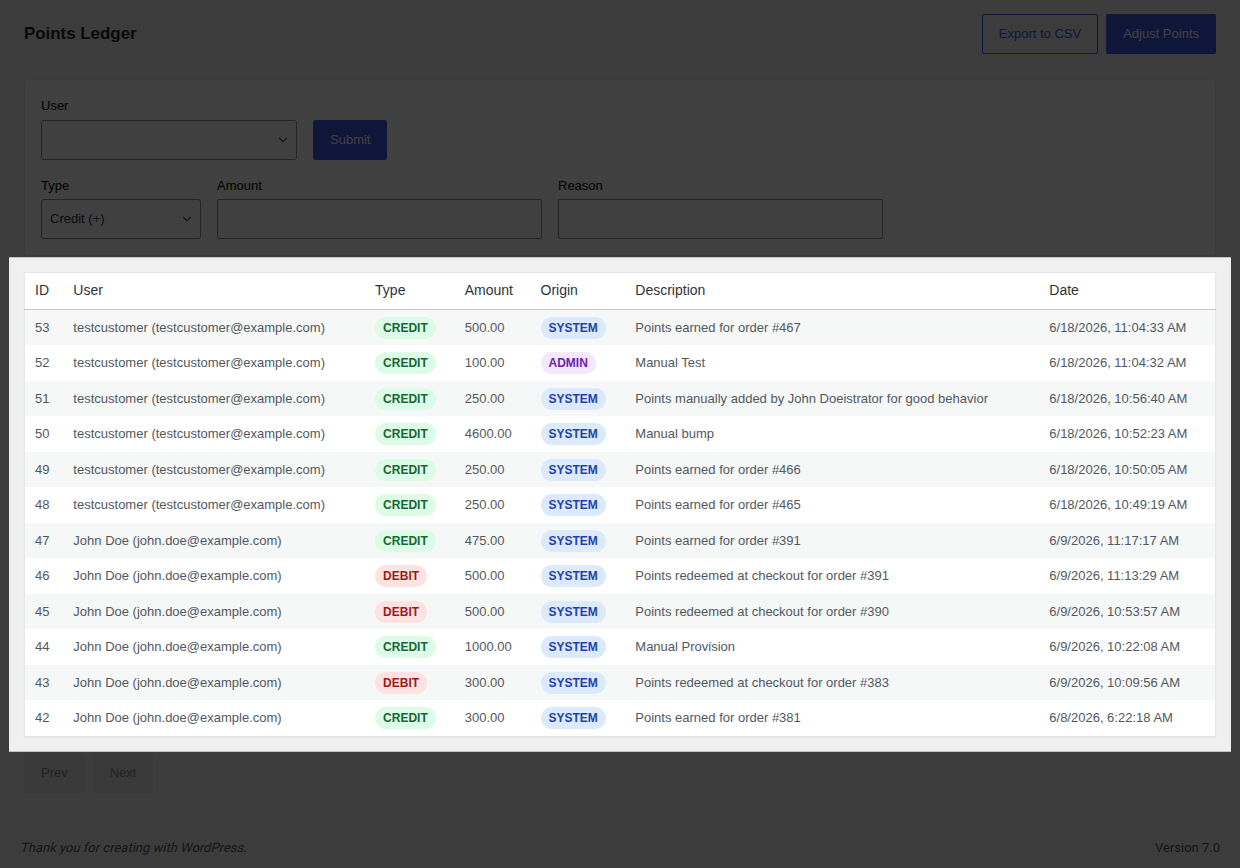
- The main panel displays the Points Ledger table, built with a modern, responsive React interface.
Ledger Table Columns
Section titled “Ledger Table Columns”- ID: The unique transaction database ID.
- User: The customer’s display name and email address.
- Type: Indicated by distinct color badges:
Credit(Green): Points added to the balance.Debit(Red): Points deducted from the balance.
- Amount: The number of points added or subtracted.
- Origin: Source of the transaction:
SYSTEM(automated hooks) orADMIN(manual adjustments). - Reference Type: The source event that triggered the transaction. Valid references are:
order— Points earned on a WooCommerce purchase.refund— Points deducted due to a full or partial refund.registration— Registration bonus points.review— Bonus points for an approved product review.referral— Points credited for referring a customer.admin— Points manually adjusted by an administrator.expiry— Points removed due to expiration.
- Reference ID: The database ID of the source event (e.g. WooCommerce Order ID, WordPress User ID, Comment ID).
- Description: Explanation of the transaction (e.g. “Points earned for order #1234”).
- Date: The exact timestamp the transaction was written.
CSV Export
Section titled “CSV Export”You can export ledger reports for accounting, auditing, or marketing operations:
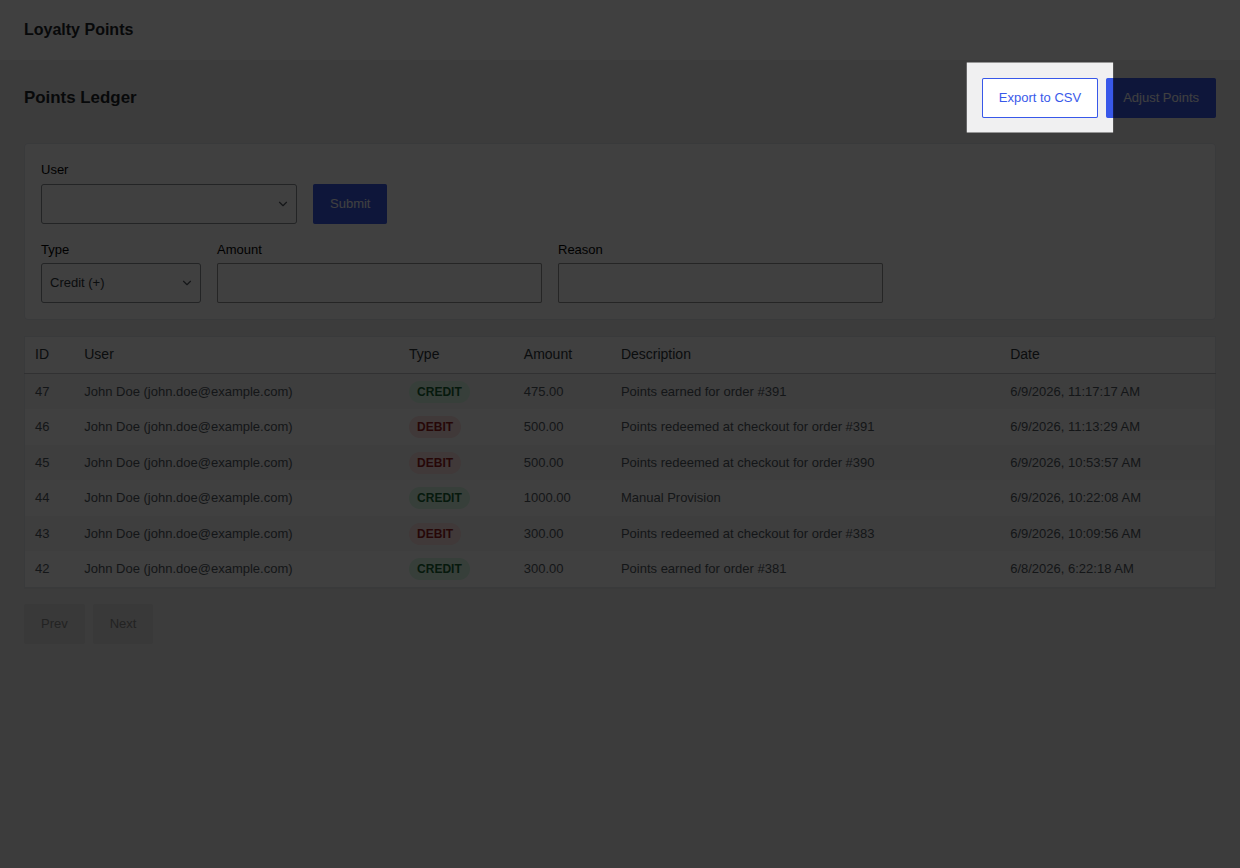
- Click the Export to CSV button in the top right action bar.
- The browser will automatically download the CSV file containing the ledger records.
The CSV export ignores table pagination limits, exporting the entire ledger dataset.