
Product Mapping
Product Mapping is the core feature of TubeBay: it lets you attach one or more videos to a WooCommerce product, so shoppers see them right in the product image gallery.
How it works
Each product can have multiple videos attached — a mix of synced YouTube videos and self-hosted videos from your WordPress media library. All attached videos render as extra slides in that product's image gallery (see Visual Placement).
Mapping Videos to a Product
- Go to Products → All Products and edit the product you want to add videos to. Look for the TubeBay Video meta box in the sidebar.
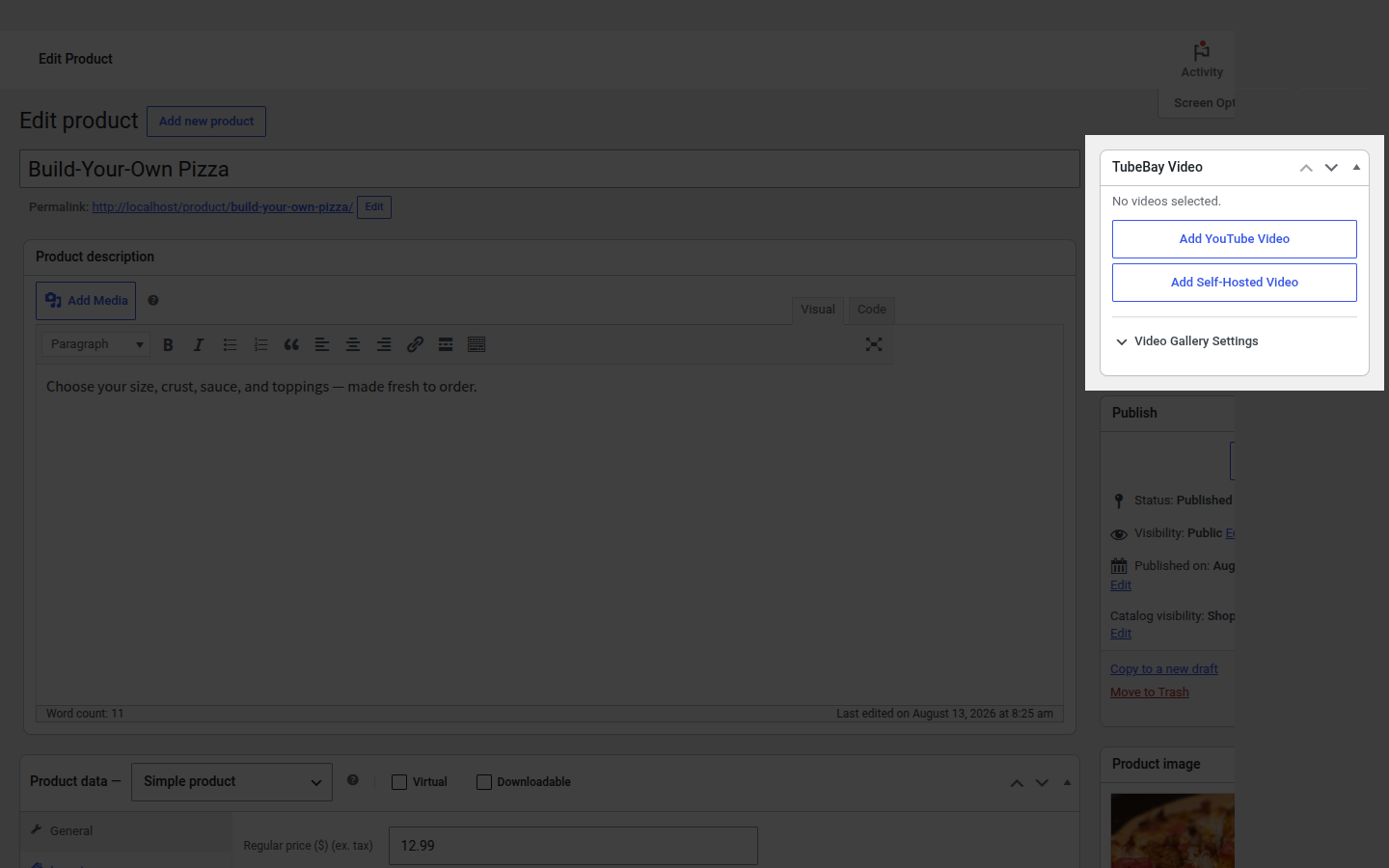
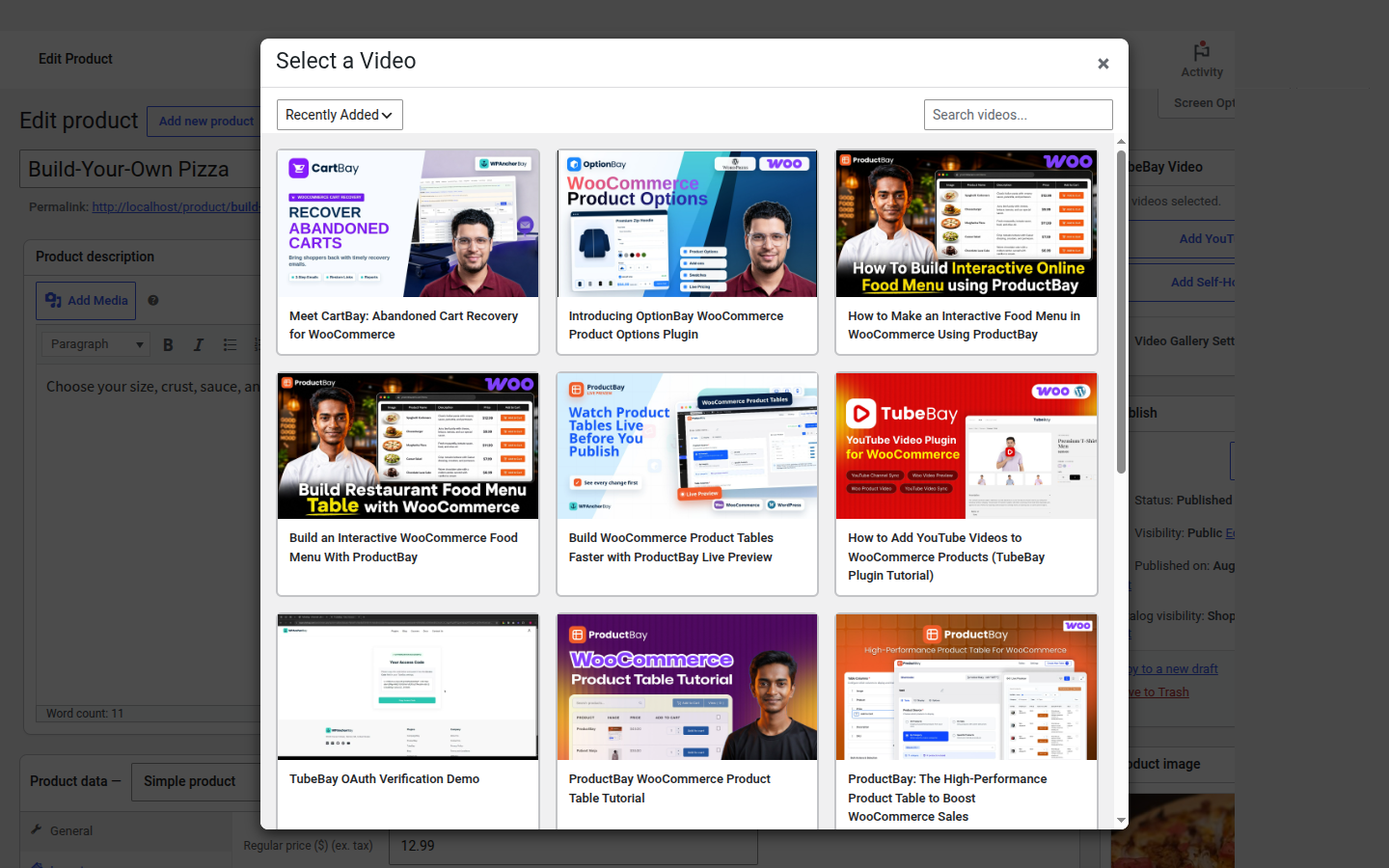
- Click Add YouTube Video to open a modal listing your synced library — click any thumbnail to attach it. Or click Add Self-Hosted Video to attach a video already in your WordPress media library.
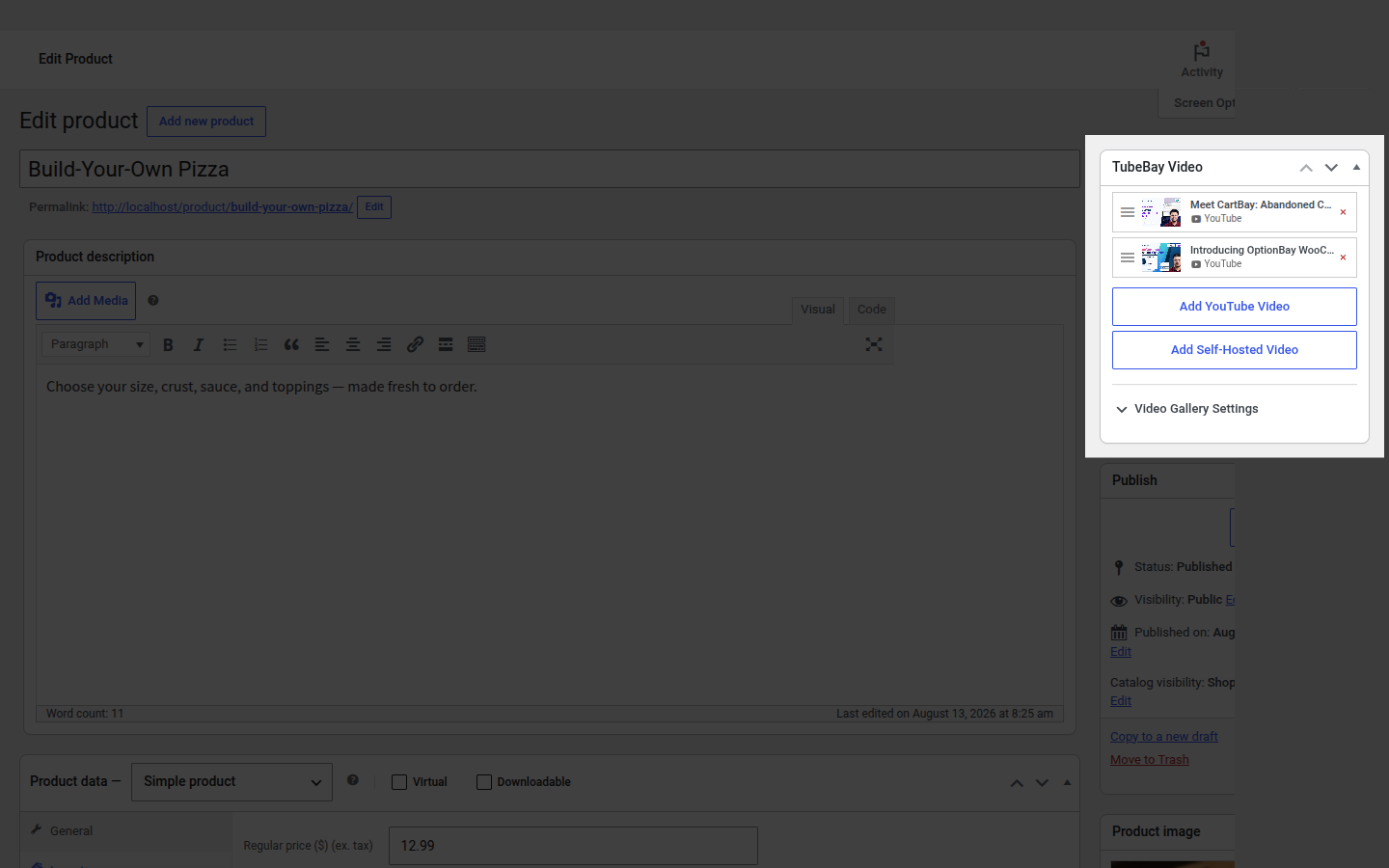
- Attached videos appear as a sortable list in the meta box. Drag to reorder them, or remove one by clicking its remove icon.
- Optionally expand Video Gallery Settings to review the (Pro-gated) per-product overrides — see TubeBay Pro or buy a license.
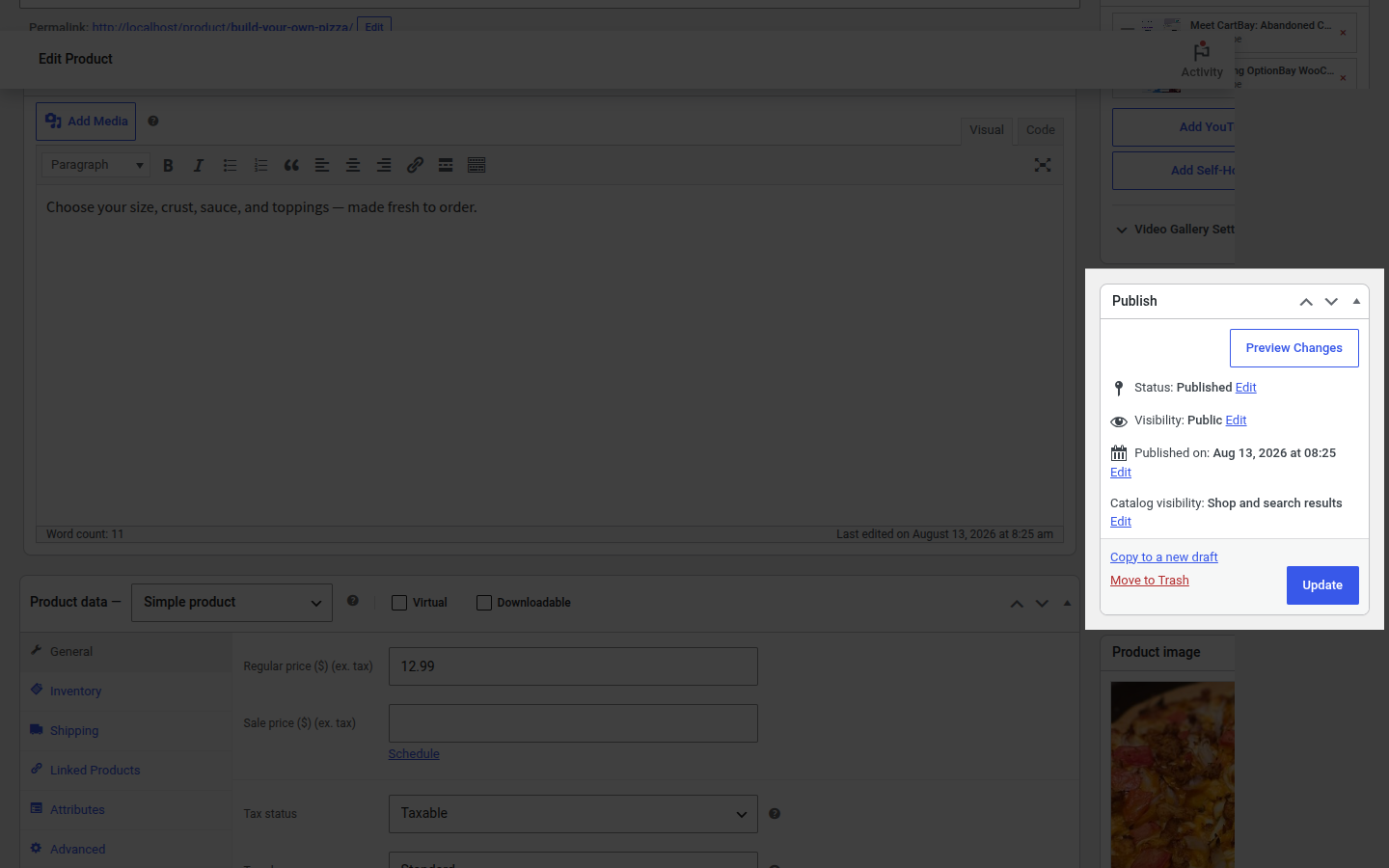
- Click Update or Publish in the WooCommerce "Publish" box to save your changes.
Bulk Assignment
For attaching or removing videos across many products at once, use Products → TubeBay Manager instead of editing products one at a time — see Library Management.
Technical Details
- Storage: Attached videos are stored as product meta (
_tubebay_video_ids, a JSON array), so one product can hold multiple videos of mixed type. The same YouTube video can be attached to multiple products. - Performance: TubeBay uses cached queries to fetch mapped videos, keeping product pages fast.
- Auto-Cleanup: If you delete a product in WooCommerce, its video-mapping metadata is deleted along with it.
- Persistent Links: An attached video stays attached until you manually remove it or delete the product.
Video Search
The Add YouTube Video modal searches your synced library by title, and supports sorting by Recently Added, Oldest First, Title (A-Z/Z-A), or Most Viewed.
The TubeBay Manager product search searches WooCommerce products by title.