
Setup Wizard
First-Run Wizard
Section titled “First-Run Wizard”On first install, CartBay may redirect administrators to a setup wizard. The wizard helps configure license, consent, timing, email delivery awareness, and launch settings.
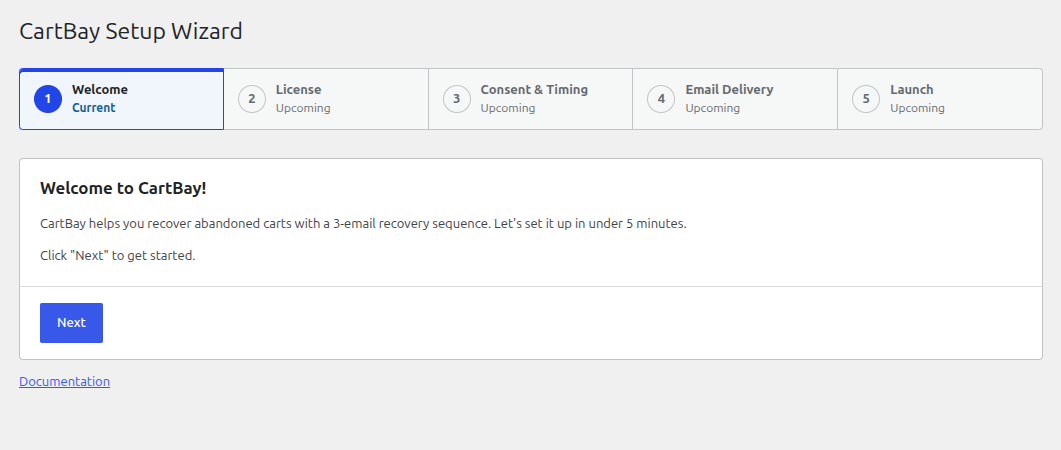
1. Welcome
Section titled “1. Welcome”An introduction to CartBay. The setup wizard helps you configure a 3-email recovery sequence for abandoned carts in under 5 minutes.
2. License
Section titled “2. License”Enter your CartBay license key to activate the plugin. If your license is already active, this step will confirm it. You also have the option to skip this step by selecting “I’ll do this later” and activating your license from the settings later.
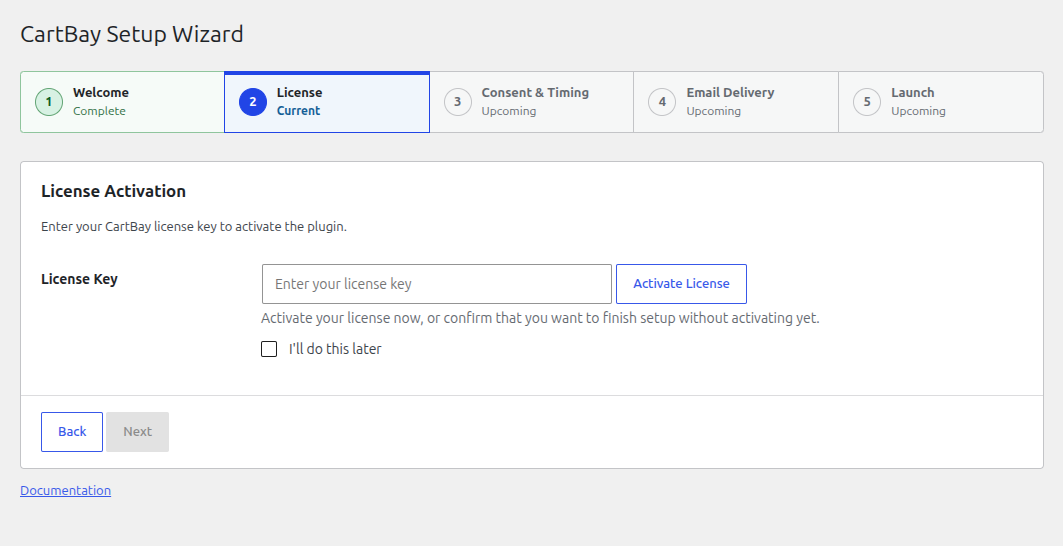
You can learn more about License Activation if you skipped the license step.
3. Consent & Timing
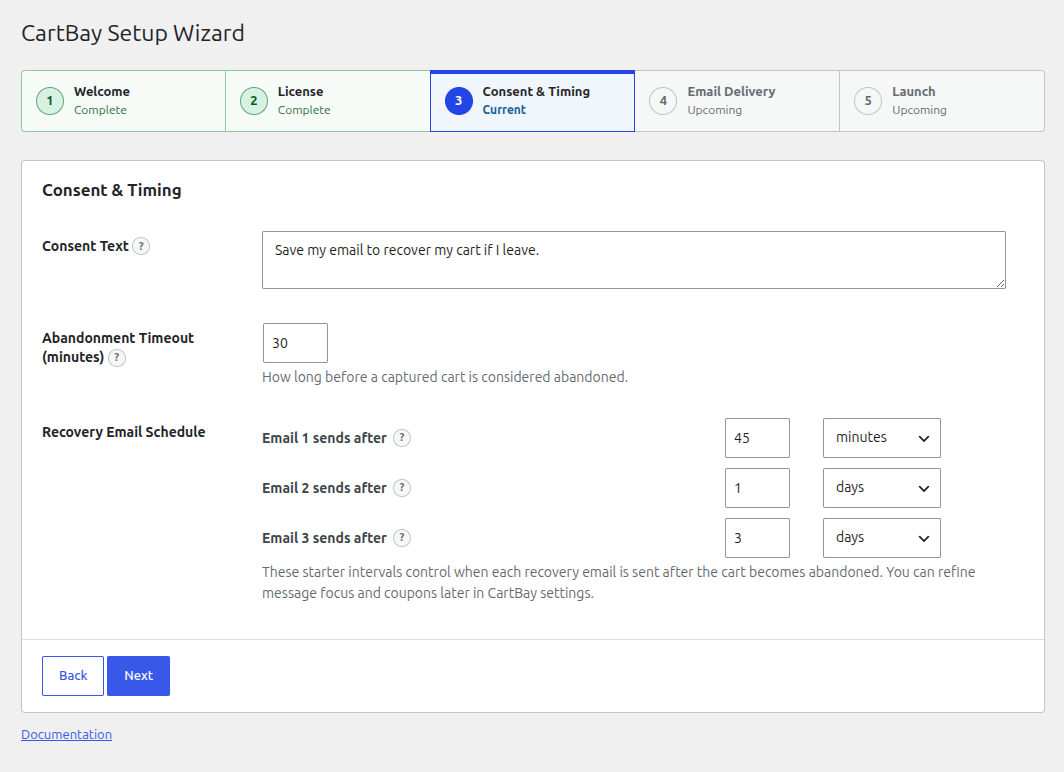
Section titled “3. Consent & Timing”Configure when carts are considered abandoned and how shoppers consent to recovery emails.
- Consent Text: The text that appears beside the checkout consent checkbox. This tells shoppers that CartBay may save their email and cart to send recovery reminders.
- Abandonment Timeout: The time (in minutes) CartBay waits after the shopper’s last interaction with checkout before marking the cart as abandoned.
- Recovery Email Schedule: Configure the delay intervals for the 3-email recovery sequence (e.g., minutes, hours, or days) after a cart becomes abandoned.
4. Email Delivery
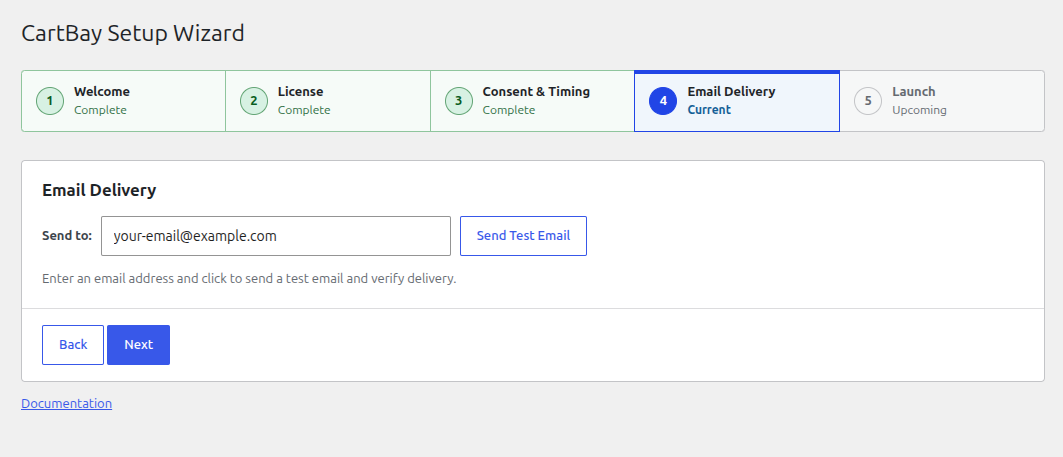
Section titled “4. Email Delivery”CartBay checks your environment for an active SMTP delivery service or an email logging plugin.
- If an SMTP service is detected, your emails should deliver reliably.
- If no SMTP service is detected, CartBay will warn you that recovery emails may land in spam and recommend installing an SMTP plugin.
- Test Email: You can enter an email address and send a test email to verify that your site can successfully deliver emails.
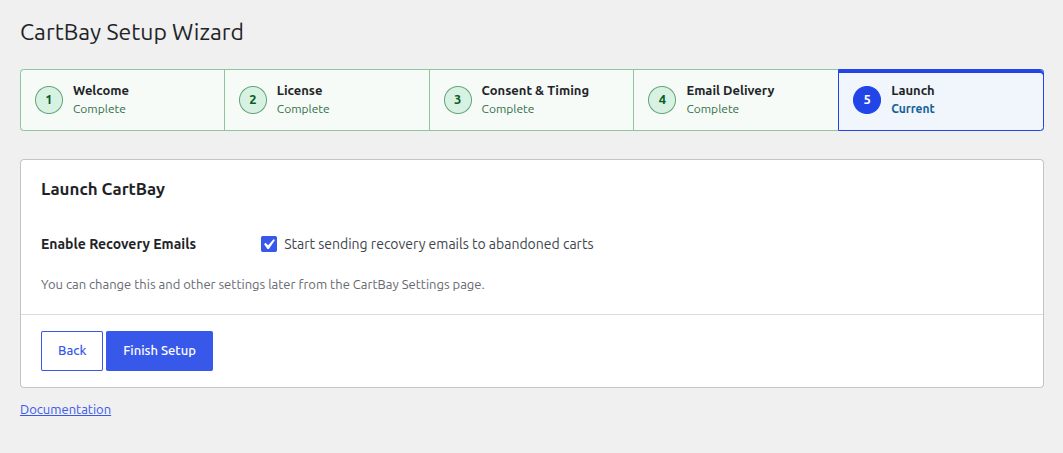
5. Launch
Section titled “5. Launch”Enable recovery emails to start sending them to abandoned carts immediately, or leave them disabled if you want to further customize the email content and coupons from the CartBay Settings page first.